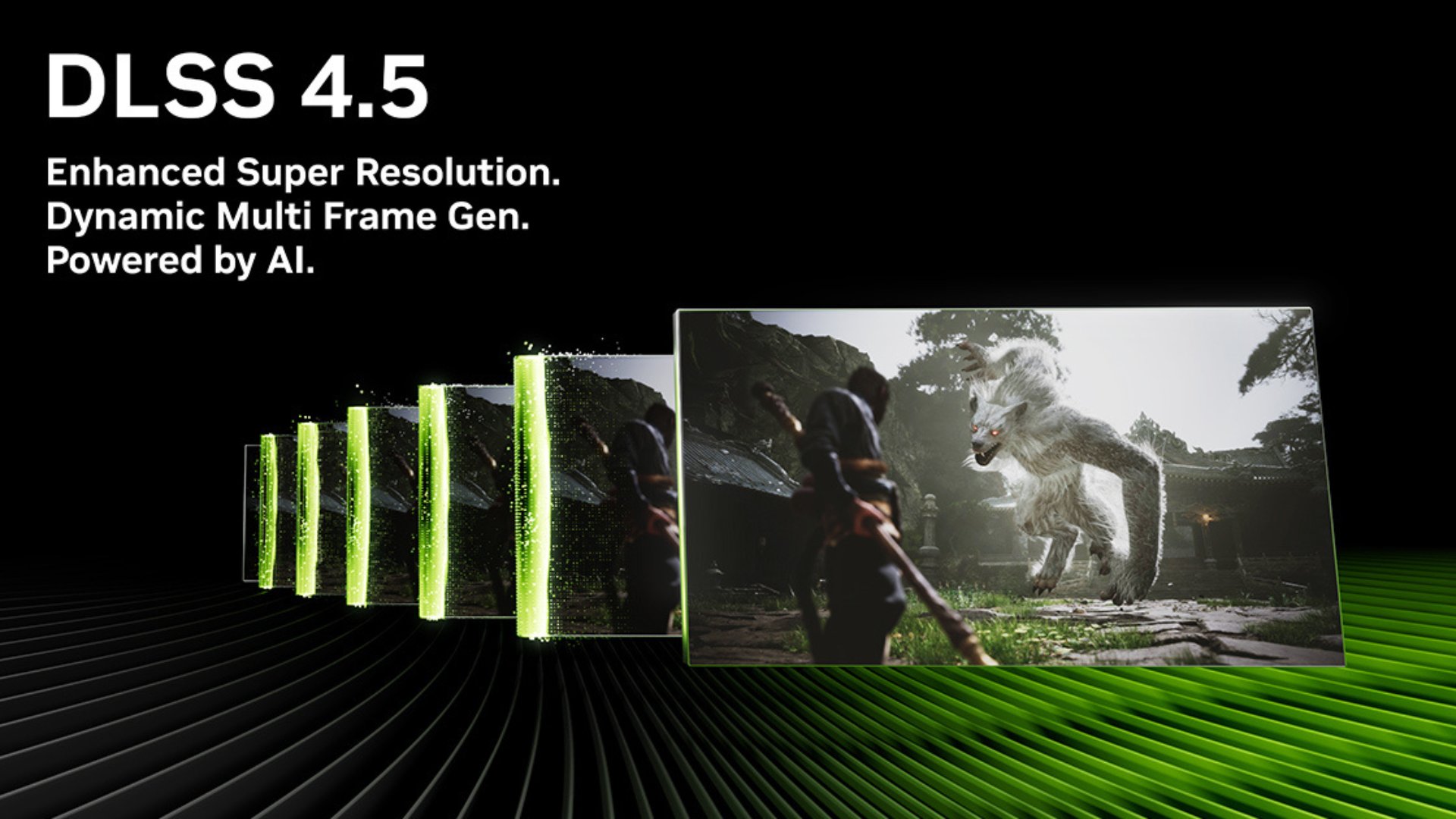
NVIDIA’s DLSS 4.5 (Deep Learning Super Sampling) is the newest evolution of its AI-powered upscaling technology. With version 4.5, NVIDIA focuses on improving clarity, reducing ghosting artifacts, and refining motion stability in fast-moving scenes.
For gamers, that means getting higher FPS without sacrificing sharpness and more stable image reconstruction in complex scenes. Plus, there’s cleaner motion with less smearing, all for a better-looking visual.
Basically, DLSS 4.5 makes AI upscaling look more like native rendering while still delivering major performance gains on any gaming PC.
What does the DLSS 4.5 do?
At its core, DLSS renders a game at a lower internal resolution and uses machine learning to reconstruct a higher-resolution image, boosting frame rates while maintaining image quality.
Here’s a further breakdown of what exactly DLSS 4.5 does.
AI Upscaling With Improved Clarity
Like previous versions, DLSS 4.5 renders games at a lower resolution internally. The AI model then reconstructs a higher-resolution frame using motion vectors, depth data, and temporal feedback from prior frames.
What’s new in 4.5 is a second-generation Transformer-based Super Resolution model. This updated neural network architecture processes more contextual image data per frame, for:
Sharper fine detail (foliage, hair, particles)
More stable edges
Better texture reconstruction
Reduced shimmering
Where older versions could occasionally introduce softness or instability in detailed scenes, DLSS 4.5 improves temporal consistency.
Reduced Ghosting and Motion Artifacts
One of the biggest pain points in earlier upscaling solutions was ghosting, which is faint trails or smearing behind moving objects.
DLSS 4.5 improves motion vector interpretation and temporal feedback handling, which results in:
Cleaner, faster camera pans
More accurate reconstruction of moving characters
Reduced trailing artifacts behind UI elements or high-contrast objects
In high-motion games, especially competitive shooters or racing titles, this improvement is immediately noticeable.
Dynamic Multi-Frame Generation (6x)
DLSS 4.5 expands on NVIDIA’s frame generation pipeline with Dynamic Multi-Frame Generation, which can deliver up to a 6x performance increase in supported scenarios.
Instead of generating a single interpolated frame between rendered frames, this system dynamically analyzes scene data to generate multiple AI-assisted frames when appropriate.
The result:
Dramatically higher perceived frame rates
Smoother animation at high refresh rates
Better CPU bottleneck mitigation
These results are especially impactful at 4K or ultra settings, where native rendering is demanding, and that means with the right gaming accessories, your picture can be even cleaner.
Is DLSS 4.5 Better Than DLSS 4?
DLSS 4.5 is better than DLSS 4 mainly in image quality and motion stability.
But there’s a bit more to it than just that:
Image Quality Improvements
Compared to DLSS 4:
Sharper reconstruction in complex textures
Less edge instability
Improved small-detail preservation
More accurate lighting reconstruction
Where DLSS 4 sometimes showed mild softness or flickering in fine detail, DLSS 4.5 tightens reconstruction quality.
Motion Stability
DLSS 4.5 significantly improves temporal behavior:
Less ghosting
Reduced smearing
Cleaner UI rendering
More stable particles and effects
In motion-heavy games, this is one of the most noticeable upgrades.
Performance Gains
Performance increases between DLSS 4 and 4.5 depend on:
Game implementation
GPU model
Resolution
Whether frame generation is enabled
Raw performance uplift may be similar in some titles, but frame pacing and perceived smoothness improve with 4.5, thanks to enhanced AI processing.
Where DLSS 4 Still Holds Up
DLSS 4 remains highly capable and in some cases:
Differences may be subtle at lower resolutions
Older GPUs may not fully leverage the newest features
Not every game supports the latest DLSS pipeline immediately
However, when both are available, DLSS 4.5 is generally the superior option.
The Technical Breakdown: How DLSS 4.5 Works
DLSS 4.5 leverages NVIDIA’s updated AI architecture built on:
Transformer-based neural networks
Enhanced motion vector integration
Improved temporal feedback loops
Transformers allow the AI to analyze larger portions of the frame contextually rather than relying strictly on local pixel relationships. This results in better reconstruction of complex geometry and lighting.
Unlike traditional upscaling (which relies on interpolation or sharpening filters), DLSS 4.5:
Uses trained neural networks developed on supercomputers
Analyzes motion and depth data per frame
Reconstructs missing pixel data intelligently
The goal is to approximate (or sometimes exceed) the clarity of native resolution.
DLSS 4.5 vs. Other Upscaling Technologies
Although DLSS 4.5 is an awesome piece of technology for gaming, there are other similar technologies.
Compared to AMD FSR
Advanced Micro Devices’ FidelityFX Super Resolution (FSR) is more hardware-agnostic and runs on a wider range of GPUs.
However:
DLSS 4.5 uses dedicated Tensor Cores for AI acceleration
DLSS typically produces cleaner reconstruction
Ghosting control is often stronger in DLSS 4.5
FSR’s advantage is compatibility. DLSS’s advantage is image quality.
Compared to Intel XeSS
Intel’s XeSS also uses AI upscaling but supports both AI and non-AI modes depending on hardware.
DLSS 4.5 generally:
Delivers stronger temporal stability
Maintains sharper detail in motion
Benefits from NVIDIA’s mature ecosystem
However, XeSS continues improving rapidly.

How to Use DLSS 4.5
There are a few ways you can use DLSS 4.5, including:
Enable It In-Game
The first way is to enable DLSS 4.5 in-game, but only in supported titles.
You can do this by:
Opening Graphics Settings
Enabling DLSS
Selecting your preferred mode (Quality, Balanced, Performance, Ultra Performance)
Enabling Frame Generation (if available)
For best results, use Quality mode at 1440p along with Balanced or Performance at 4K. Pair it with Reflex so you can reduce latency.
Hardware Requirements
DLSS 4.5 requires compatible RTX GPUs with Tensor Cores. Support varies depending on GPU generation, driver updates, along with game integration. Always update to the latest GeForce drivers to ensure full compatibility.
Real-World Impact: Who Benefits Most?
DLSS 4.5 can benefit plenty of gamers for different reasons. Some people who would especially find it valuable are:
4K gamers
High-refresh-rate players
Ray tracing enthusiasts
CPU-limited systems
If you play visually dense titles with ray tracing enabled, DLSS 4.5 can dramatically increase smoothness without sacrificing visual fidelity.
Competitive gamers benefit from reduced ghosting and cleaner motion, especially during rapid camera movement.
Is DLSS 4.5 Worth It?
If you have a supported RTX GPU and your game offers DLSS 4.5, enabling it is almost always the optimal choice.
While native resolution still sets the benchmark, DLSS 4.5 continues to narrow the gap. In some cases, it can rival or even exceed native image clarity, delivering dramatically better performance.
For modern gaming at high resolutions with ray tracing enabled, DLSS 4.5 is one of the most impactful graphical technologies available today. With a custom-built gaming PC from iBUYPOWER, your gaming experience can get even better.
Our high-quality PCs stay up to date with the latest technologies so you can keep up with the progressive specs of modern PC games. If you want to experience your favorite games to the fullest, an iBUYPOWER PC and gaming accessories are the way to do it. Visit our deals page or our coupons page to find the latest discounts on all our products.
To stay updated on all things iBUYPOWER, follow us on our socials
Instagram iBUYPOWER
Facebook iBUYPOWERPC
TikTok @iBUYPOWER
Reddit /r/iBUYPOWER
Discord iBUYPOWER