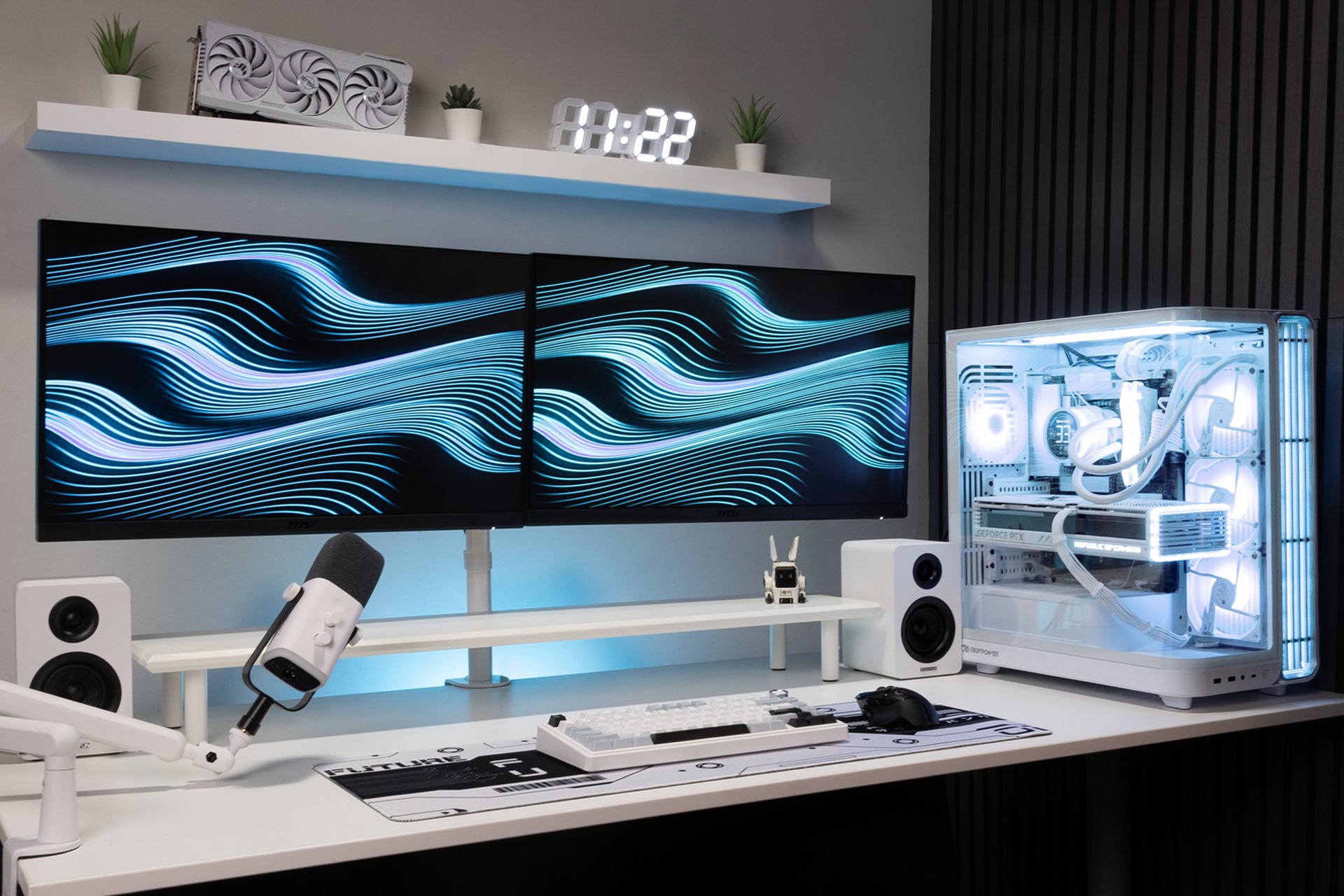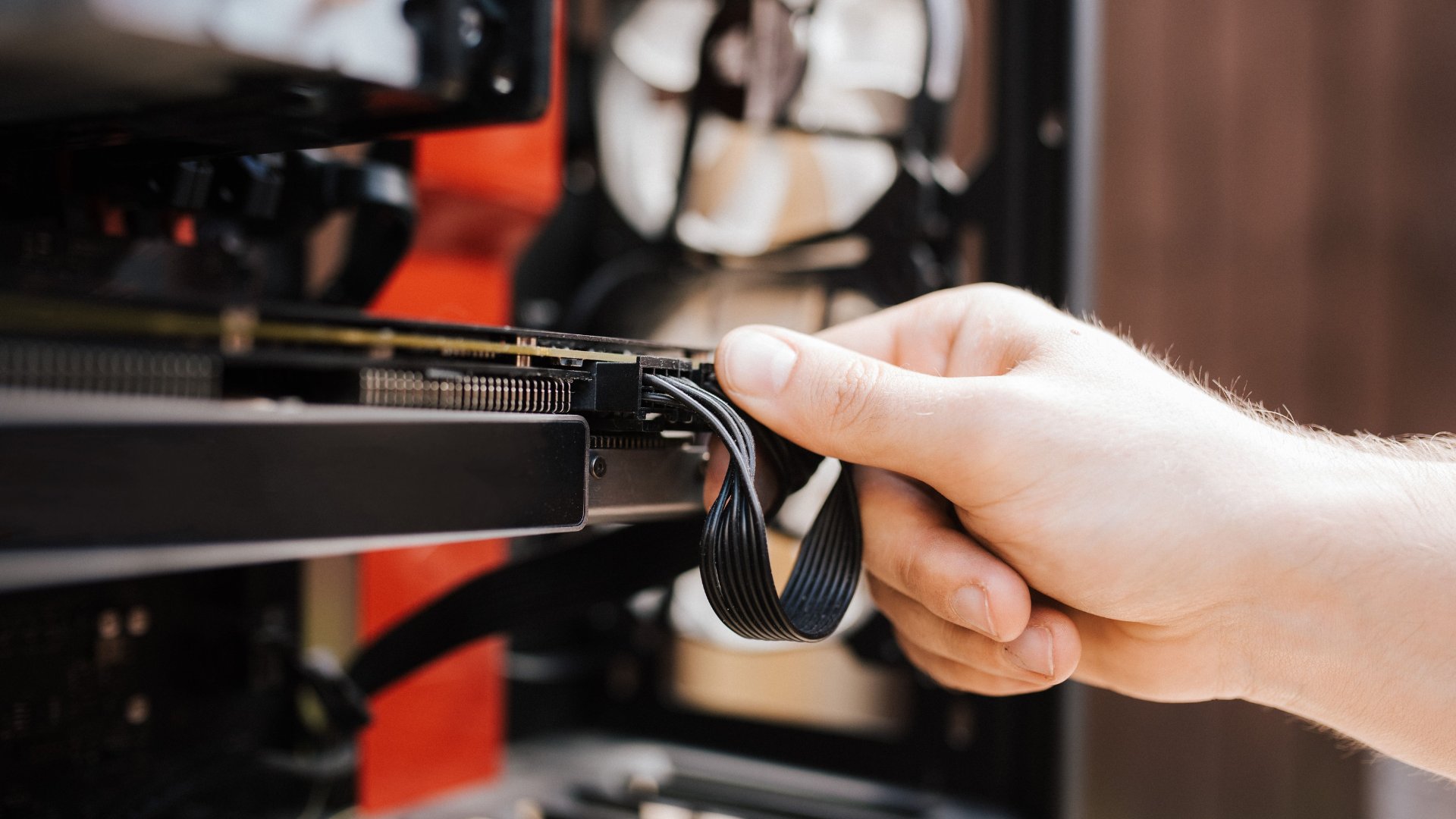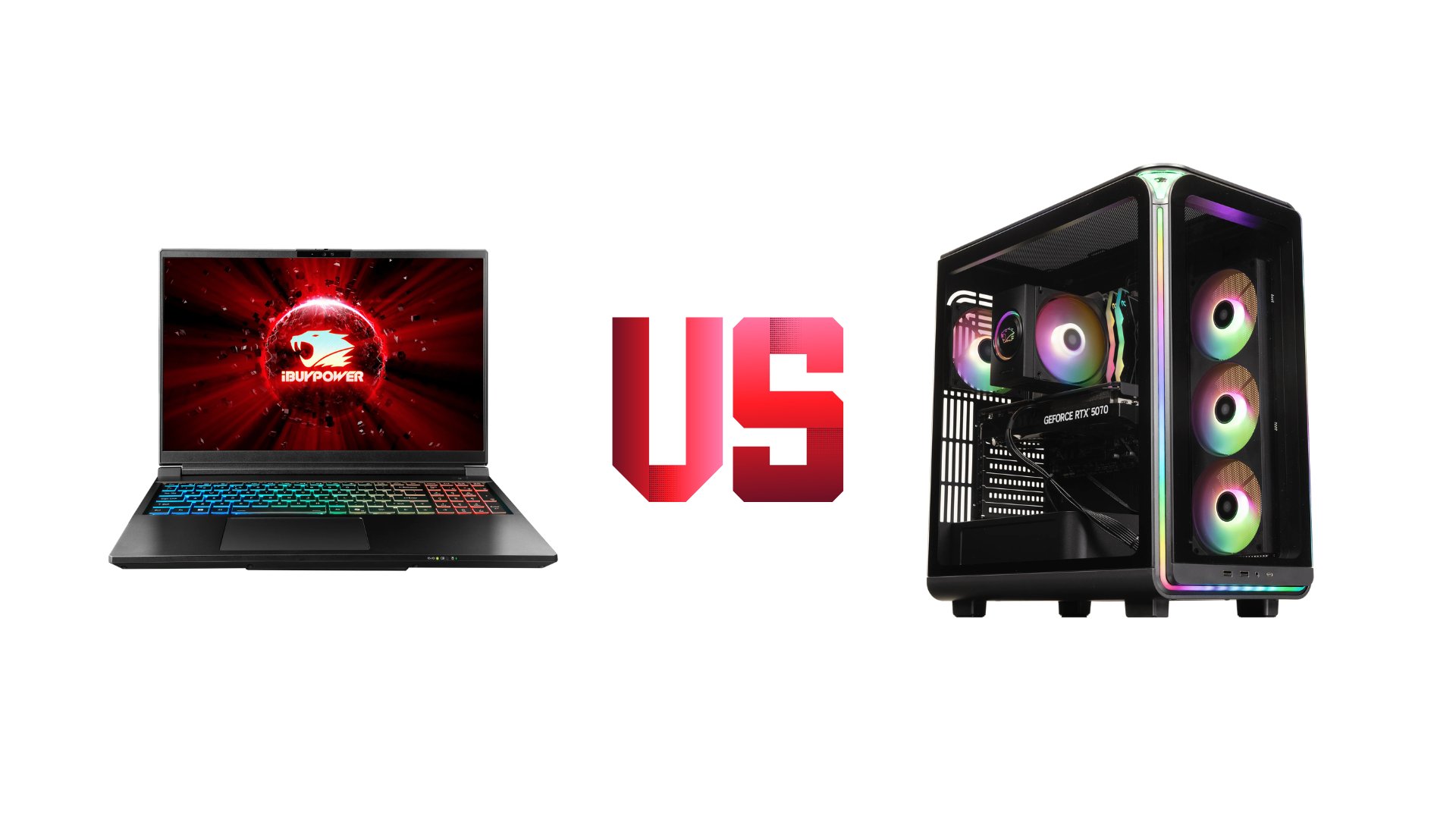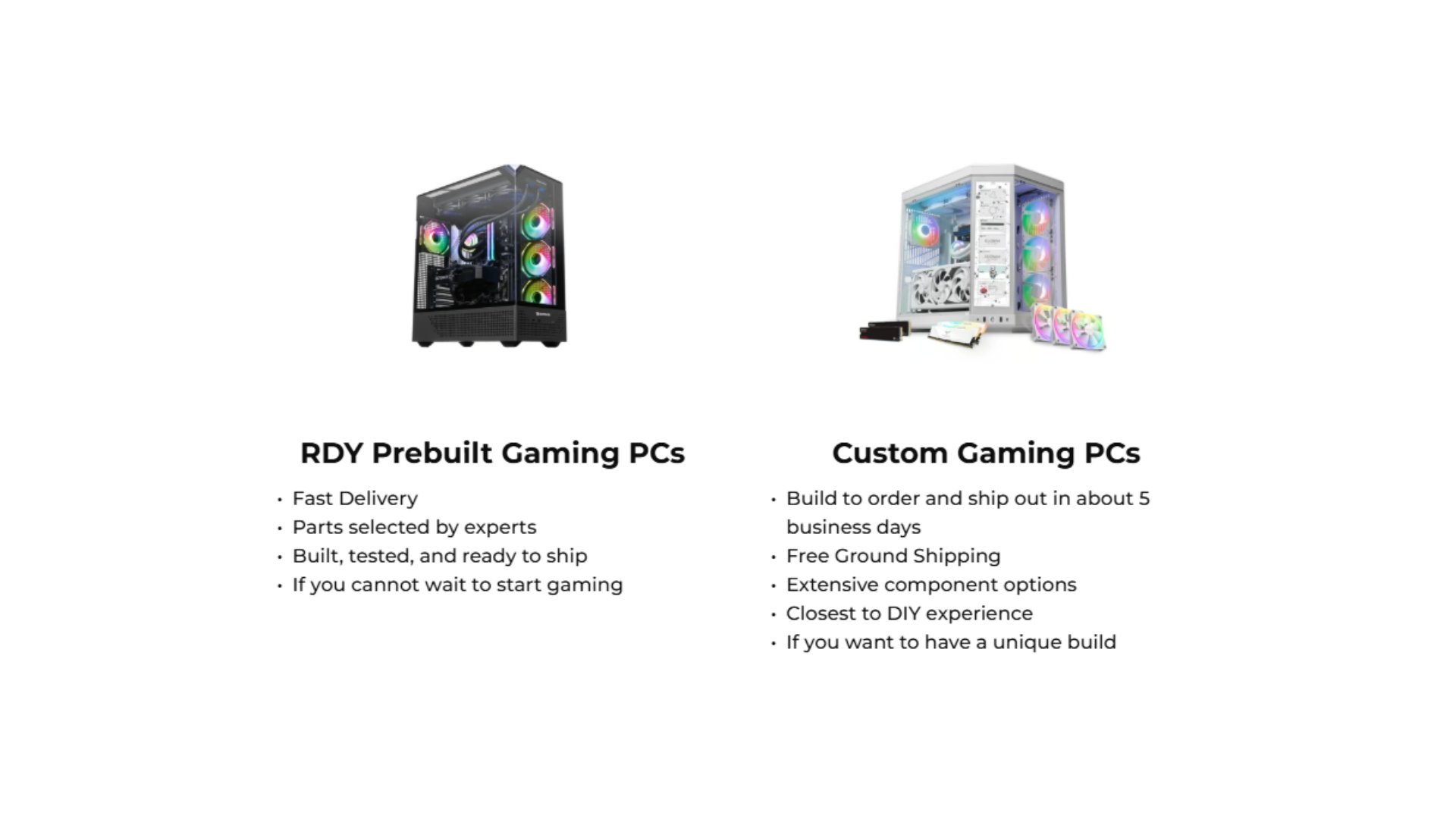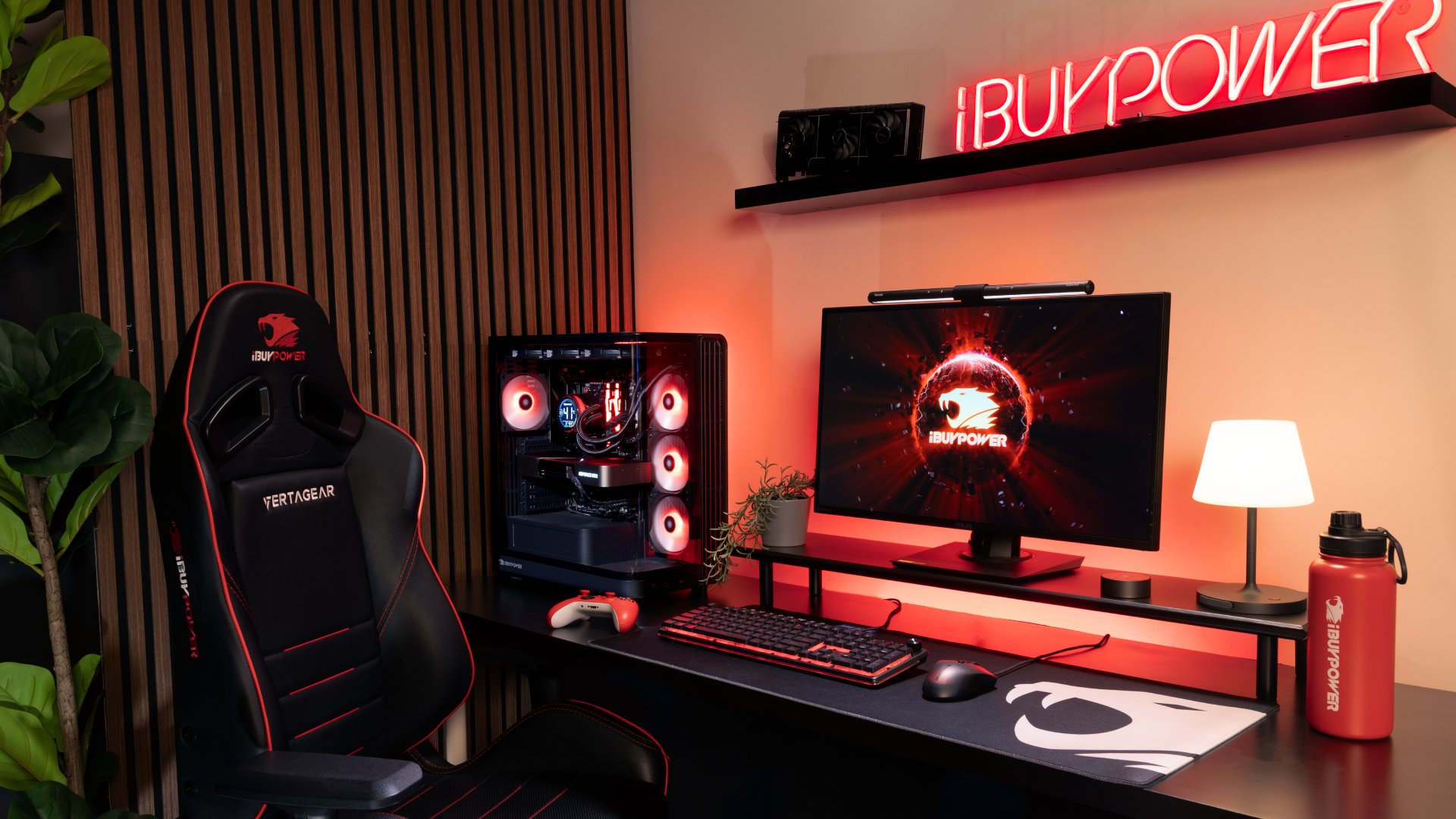
If you’re planning a new gaming PC build in 2026, you need to know which features matter. Modern games demand more from gaming computers, such as faster processors and more graphics power, while technologies like AI-powered upscaling and ray tracing continue to push hardware requirements higher.
From the first time builder to the upgrading master, understanding which components are most important will help you create the best PC build for your favorite games.
Why a 2026 PC Build is Better Than Ever
Ranging from advanced CPUs to top-tier GPUs, a modern gaming PC build showcases how technological advances can bring a whole new level to your gaming experience.
1. A Powerful CPU
The processor is the foundation of every gaming computer build by handling game logic, physics, AI, and other background applications. For gaming, AMD processors, like those in the AMD Ryzen Power Up Gaming PC, offer industry-leading frame rates,
When you’re looking for the best CPU for your PC build, pay attention to whether it has:
8 or more cores for gaming and multitasking
Large L3 cache, such as AMD 3D V-Cache
High boost clock speeds
Support for DDR5 memory and PCIe 5.0
Strong upgrade path
Along with AMD processors, Intel is still a strong alternative if you also work on your PC. However, if you want to build your own PC for competitive gaming or 4K titles, prioritize gaming-specific CPU performance over the highest core count.
2. A High-Performance Graphics Card (GPU)
The GPU is the most important component for gaming performance. It determines your frame rates, visual settings, and ability to use features such as ray tracing.
A top-of-the-line GPU in 2026 will feature:
Ray tracing support
AI upscaling like DLSS 4.5 and FSR 4
Frame generation
Ample VRAM (12GB to 24GB)
If you’re investing in a premium custom PC, the graphics card should receive the largest portion of your budget. The GeForce RTX 5060 Ti, like the GPU in an Intel 14th Gen Pro Gaming PC, is the perfect choice for anyone looking for top-notch performance.
3. At Least 32GB of DDR5 Memory
While 16GB is works for many games, 32GB of DDR5 RAM is quickly becoming the sweet spot, especially if you want a pro-level gaming experience.
Some of the other benefits of 32GB RAM include:
Smoother multitasking
Better support for memory-intensive games
Improved performance in modded titles
Greater future-proofing
Having at least 32 GB of DDR5 memory also benefits streamers who want to share their content, given the multitasking involved in running streaming software and playing the actual game. If you want to upgrade to this level, the Intel Gaming PC Configurator 3 is the right PC build for you.

4. Fast NVMe SSD Storage
Storage affects your boot times, game loading, and asset streaming. At a minimum, you want 1TB of storage, but if you have a lot of games to play or need extra storage for streaming clips, 2TB would be a better fit.
Many AAA titles now also exceed 100GB, making larger SSDs increasingly valuable. If you’re looking for a custom PC with a lot of storage, the AMD Gaming PC Configurator 3 is the right option.
5. Efficient Cooling
Powerful PC parts generate substantial heat, so you’ll want effective cooling to keep temperatures under control. Thermal cooling also helps prevent your PC from overheating and reduces the noise it makes while running.
Some cooling options you might want to consider are:
Tower air coolers
240mm or 360mm AIO liquid coolers
Optimized case airflow
Modern gaming cases support multiple intake and exhaust fans for consistent cooling during long gaming sessions.
6. A Reliable Power Supply
The power supply unit (PSU) protects every component in your PC build. Since computer components operate on DC power, this allows for a consistent power flow, ensuring your system is stable and efficient.
Look for a PSU that has:
80 Plus Gold efficiency or better
Fully modular cables
Sufficient wattage headroom
Quality components and protections
Choosing the wrong PSU can cause voltage fluctuations and power surges, damaging critical components that lead to system instability, random shutdowns, and permanent hardware failure.
To avoid these issues, here are the recommended PSU wattages based on the PC build:
Mid-range builds: 750W
High-end builds: 850W–1000W+
RTX 5090 systems: 1000W–1200W
Overall, buying a reliable PSU ensures long-term stability and easier upgrades.
7. A Well-Designed PC Case
A quality case not only makes your PC look cool, but also holds all your components. It also impacts cooling performance and the cleanliness of your cable management within the gaming PC build.
Here are some case features that can benefit your PC in the long-run:
Mesh front panels for airflow
Support for large GPUs
Easy cable routing
Dust filters
Tempered glass side panels
The iBUYPOWER Element 9 Gaming Case features a glass panel and mesh top panel that show off your components while regulating their temperatures.
8. Upgrade-Friendly Motherboard Features
Your motherboard determines compatibility and expansion options, so you want something that cannot only handle your current components but also support any future upgrades.
Some of the must-have features for your motherboard include:
PCIe 5.0 support
DDR5 compatibility
Multiple M.2 slots
Wi-Fi 6E or Wi-Fi 7
USB-C connectivity
Choosing a motherboard with a strong feature set ultimately gives your gaming computer build greater longevity.
9. 4K and High Refresh Rate Gaming Support
The best gaming desktops in 2026 are designed to handle:
1440p at 240Hz
4K at 120Hz or higher
Ultrawide resolutions
VR gaming
Technologies such as DLSS 4.5 and FSR 4 use AI to increase frame rates while maintaining image quality, making 4K gaming more accessible than ever.
10. Future-Proof Features
When you build your own PC, choose components that will remain relevant for several years.
That means selecting platforms with ongoing CPU support and a larger PSU for future GPU upgrades. You should also consider getting extra storage to fit not only the games you currently have but also to support future needs.
A well-planned build can last for five years or more with occasional upgrades.
Build a High-End Gaming PC Build with iBUYPOWER
The best gaming PC build for 2026 focuses on balanced performance, upgradeability, and long-term value. For a first-time PC builder, it may seem overwhelming, but your system is right there waiting to be built.
So if you’re ready to build the gaming PC of your dreams, then iBUYPOWER is here to help. From our PC Lab to our Custom PC Builder, we have the tools to help you create the gaming PC build, one component at a time. Visit the deals page or our coupons page for the latest discounts on all our products. While we don’t offer an iBUYPOWER cashback program, you can still redeem your rewards points for extra savings at checkout. Act fast and secure your dream rig today!
To stay updated on all things iBUYPOWER follow us on our socials
Instagram iBUYPOWER
Facebook iBUYPOWERPC
TikTok @iBUYPOWER
Reddit /r/iBUYPOWER
Discord iBUYPOWER