Putting together your own gaming PC build is the best way to get exactly the performance, appearance, and upgrade potential you want. No matter what, though, the best systems are balanced, reliable, and tailored to the games you play.
A well-designed gaming computer build combines PC parts that are compatible and work together so you get smoother gameplay, faster load times, and a system that can keep up with future releases.
Here’s everything you need to know about making a good PC build and how to choose components that fit your budget and gaming goals.
Start With Your Gaming Goals
Before you build a PC, define what you want from your system. Think about what kind of games you like to play, and the monitor resolution you use.
Here’s an example:
1080p Gaming: Great for esports titles like VALORANT, Fortnite, and Counter-Strike 2.
1440p Gaming: Offers sharper visuals and is the sweet spot for many gamers.
4K Gaming: Demands top-tier hardware for ultra settings and high frame rates.
Streaming and Content Creation: Benefits from more CPU cores and additional RAM.
Among the other components, the graphics card usually has the greatest impact on gaming performance, so many gamers decide their budget around the GPU. Then, the CPU needs to complement the GPU to avoid bottlenecks. Another thing to consider is that nowadays, 32GB of RAM and at least a 1TB NVMe SSD are increasingly recommended for modern gaming.
The Graphics Card (GPU): The Heart of a Gaming PC Build
The GPU is an important part of all gaming systems. It determines your frame rates, graphical settings, and ability to use advanced features such as ray tracing and AI upscaling technologies like DLSS and FSR.
Your GPU should align with your target monitor resolution:
1080p: Mid-range GPUs provide excellent performance.
1440p: Upper mid-range cards deliver high frame rates and better visual quality.
4K: High-end GPUs that can handle demanding AAA titles.
If gaming is your top priority, it often makes sense to devote 35–50% of your total budget to the graphics card.
The Processor (CPU): The Brain and Support
The CPU handles game logic, AI, and background tasks. While the GPU handles most rendering, the CPU is especially important for competitive games that require very high frame rates.
A good gaming CPU should offer:
Strong single-core performance
At least 6 cores for modern games
Support for current memory standards and motherboard platforms
Processors with gaming-focused technologies are widely regarded as top performers because their large cache can significantly improve frame rates in many titles. Something to consider if you want your custom PC to have top-tier visuals when gaming.

RAM: Multitask with Ease
Memory allows your system to store data that games and applications need for immediate access.
So, for a good PC or prebuilt PC, how much RAM do you need?
For a budget PC, you can get away with 8GB. However, for a higher-performing build, it’s best to stick with:
16GB: Minimum for modern gaming
32GB: Recommended for most new gaming PCs
64GB+: Useful for professional workloads or heavy multitasking
A custom PC with 32GB of RAM provides more breathing room for background apps, voice chat, browser tabs, and streaming software.
Storage: Fast Load Times Matter
Solid-state drives (SSDs) are essential for any modern gaming PC build. If you want a place to store your games and important software, you need enough storage space.
Generally, the recommended storage setup for a gaming computer build is:
1TB NVMe SSD: Starting point for Windows and several large games
2TB NVMe SSD: Better for larger game libraries
Optional HDD: Useful for mass storage of media and backups
Since many modern games easily exceed 100GB each, a fast, spacious SSD has become more important than ever.
Motherboard: The Foundation of Your Build
The motherboard connects all of your PC parts and determines compatibility, expansion options, and future upgrades. Without a good motherboard, your PC build won’t function as it should.
When picking out your motherboard, take a close look at the:
CPU socket compatibility
DDR4 or DDR5 memory support
M.2 slots for NVMe SSDs
Wi-Fi and Bluetooth
USB and networking options
A quality motherboard also provides stable power delivery, which is important for high-performance CPUs.
Power Supply (PSU): Don’t Cut Corners
The PSU protects every component in your PC build. Since computer components operate on DC power, this provides consistent power for a stable and efficient system.
You want a PSU that has:
80 Plus Gold efficiency or better
Fully modular cables
Sufficient wattage headroom
Quality components and protections
PSUs are critical, as choosing the wrong one can cause voltage fluctuations and power surges. As a result, you might damage critical components, potentially causing system instability, random shutdowns, and permanent hardware failure.
Cooling: Keeping Temperatures Under Control
Good cooling ensures your gaming computer build performs consistently and quietly.
When it comes to cooling, you have a couple of options. There’s air cooling, which uses fans to keep your PC cool. This option is affordable and highly effective.
The other option is liquid cooling (AIO). AIO uses a coolant to keep the system cool, sometimes paired with fans. This cooling method is more efficient, and for builds that show off more of your components, an AIO can look really cool.
PC Case: Function Meets Style
Your PC case also plays a major role in airflow. Modern case recommendations emphasize front mesh panels, adequate fan support, and thoughtful cable management to improve both temperatures and ease of building.
When searching for your new case, you’ll want something that emphasizes easy cable management, clearance around your GPU and radiator, and dust filters to keep things clean.
No matter your personal style, always choose a case that balances aesthetics and functionality.
Upgradeability and Future-Proofing
One major advantage of when you want to build your own PC is that it’s easier to upgrade over time.
Look for components that provide:
Additional RAM slots
Extra M.2 storage slots
Larger power capacity
Current-generation CPU platforms
These features make it easier to improve performance without replacing your entire system.
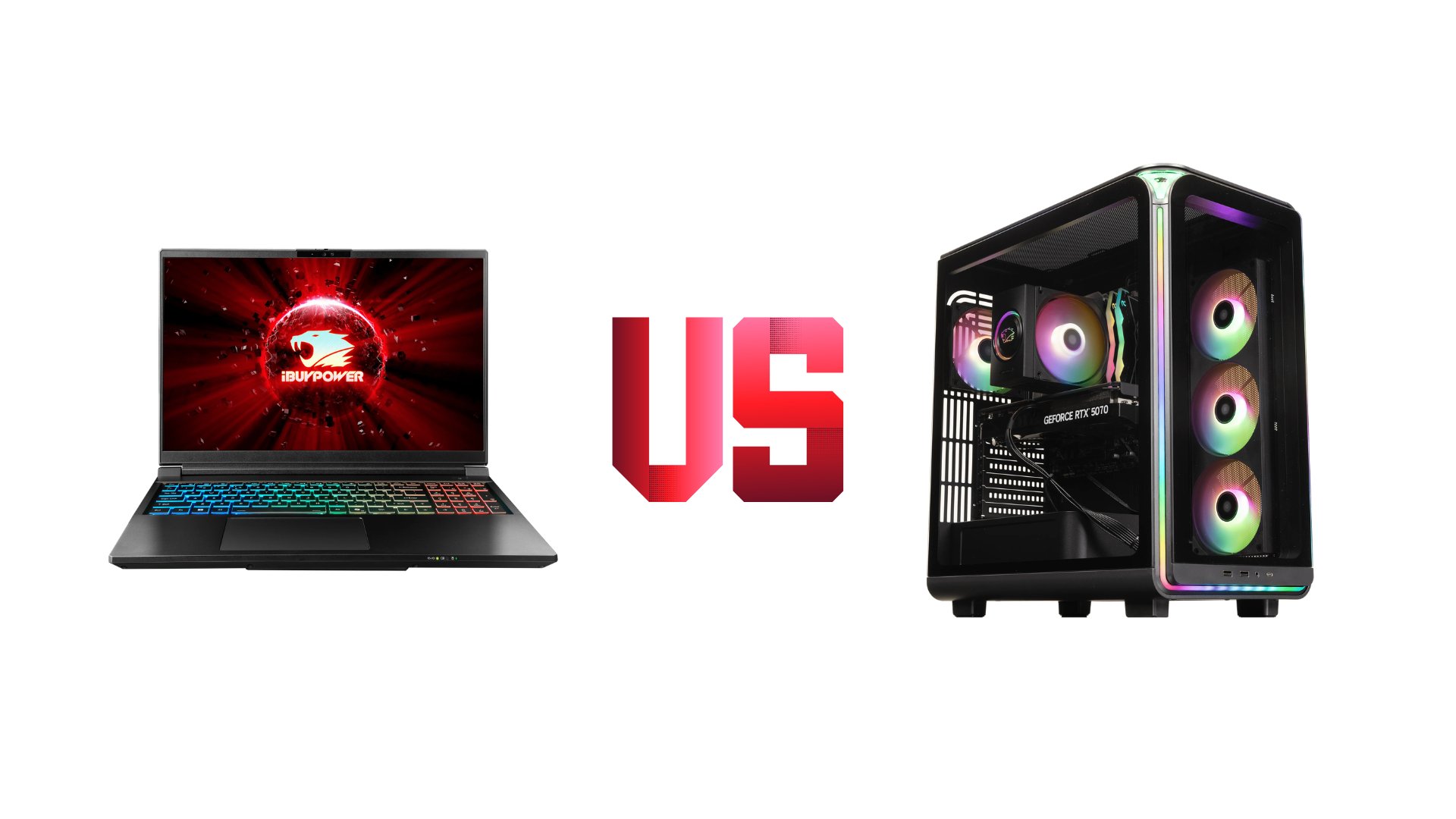
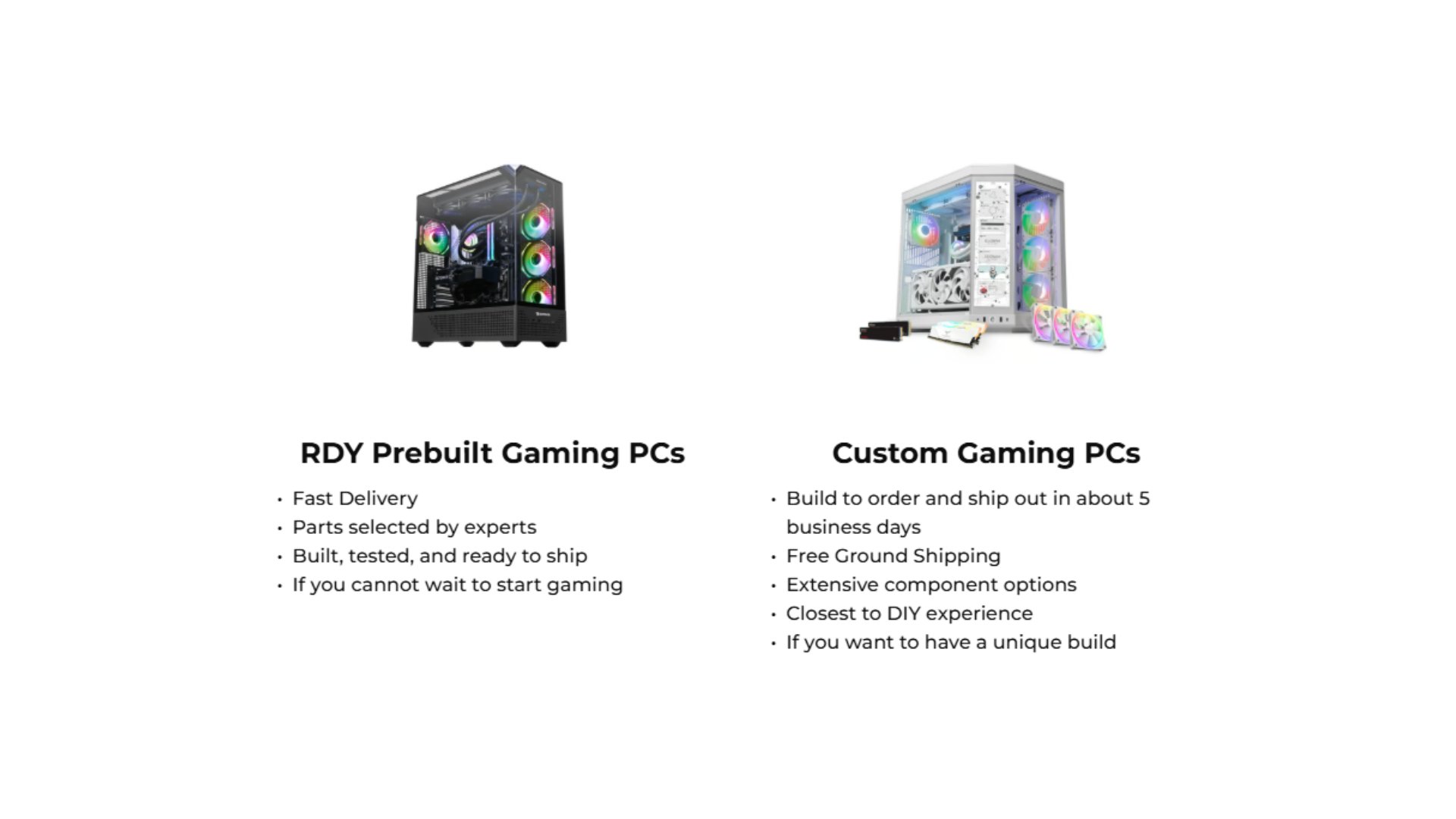
Building vs. Buying a Prebuilt Gaming PC
What makes a good gaming PC build is not simply having the most expensive hardware. The best systems combine compatible, balanced PC parts to match your gaming needs and budget.
In some cases, gamers enjoy assembling their own systems, while others prefer the convenience of a professionally assembled machine.
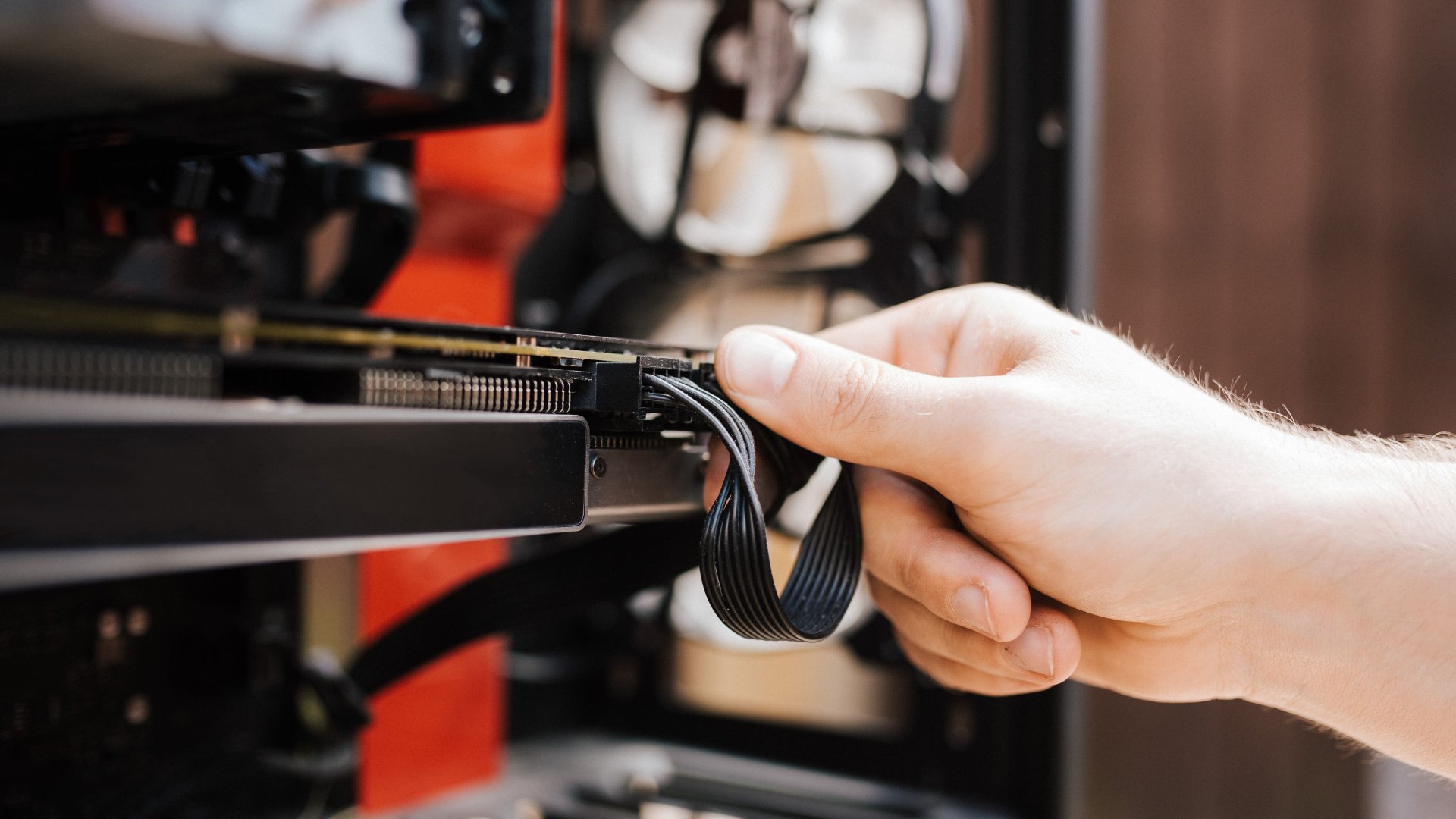
You should build your own PC If You Want
Full control over component selection
Hands-on experience
Maximum customization
Otherwise, you should get a prebuilt PC if you want a machine that’s:
Ready-to-use
Already organized with professional cable management
Paired with system-wide warranty and support
When you build a PC with care and planning, you get a personalized setup tailored to the way you play, and iBUYPOWER wants to help you along the way. With a large selection of gaming PCs and a PC Lab that can help you build your own, iBUYPOWER is here to support you wherever your PC building journey takes you. Visit the deals page or our coupons page for the latest discounts on all our products. While we don’t offer an iBUYPOWER cashback program, you can still redeem your rewards points for extra savings at checkout. Act fast and secure your dream rig today!
To stay updated on all things iBUYPOWER follow us on our socials
Instagram iBUYPOWER
Facebook iBUYPOWERPC
TikTok @iBUYPOWER
Reddit /r/iBUYPOWER
Discord iBUYPOWER