No matter what kind of PC games you play, your network connection has a significant impact on your overall experience. As a result, a common debate among players is whether Wi-Fi vs. Ethernet gaming makes a difference.
In short, the answer is yes. Both options can connect you to online games, but they differ significantly in speed, latency, stability, and reliability.
Here is what you need to know about the advantages and disadvantages of Ethernet vs. Wi-Fi for gaming, and when it’s best to use each one.
Why Your Connection Type Matters for Gaming
Online gaming relies on fast, consistent communication between your gaming PC and the server. So, any time there’s a delay, fluctuation, or interruption, it can impact how the game feels.
Some network factors that influence gaming performance include:
Ping (latency): How long it takes for data to travel between your system and the server. Typically, the lower the ping, the better.
Jitter: These are variations in response times. Even with low ping, jitter can cause stuttering.
Packet loss: When data never reaches the server or your PC. These issues lead to rubber-banding and inconsistent actions.
Bandwidth: The total amount of data your connection can move per second. Good bandwidth can handle downloads, updates, and streaming.
Your connection type influences each of these factors. Even when comparing Wi-Fi vs. Ethernet for gaming, both can offer high bandwidth, but only one consistently delivers stable ping times and minimal jitter.
Wi-Fi vs. Ethernet for Gaming: When Wi-Fi is the Best Option
For gaming, choosing between Wi-Fi vs. Ethernet largely depends on your circumstances, such as budget and the types of games you play. Wi-Fi does have its benefits, but it may not be the best choice for every gamer.
What Is Wi-Fi and How Does It Work?
Wi-Fi uses radio frequencies to send data between your router and your device. Modern Wi-Fi standards offer higher speeds, greater stability, and higher capacity than older wireless technologies, though performance varies by environment.
Advantages of Using Wi-Fi for Gaming
Wi-Fi is the most flexible option for everyday gaming, especially for casual multiplayer games or single-player campaigns.
Some of the other benefits of Wi-Fi for gaming include:
No cables, which is great for clean or minimal setups
Fast enough for most download needs on newer routers
Convenient for gaming laptops or rooms far from your modem
Easier to set up in apartments or shared households
With a strong Wi-Fi signal and a modern router, Wi-Fi can deliver reliable gaming performance for most PC gamers.
Disadvantages of Wi-Fi for Gaming
Wi-Fi’s main drawbacks stem from interference and signal variability, which increase the risk of jitter and packet loss.
More potential issues with Wi-Fi are:
Higher latency compared to Ethernet
Signal interruptions from walls, floors, or appliances
Bandwidth competition occurs when multiple devices are connected
Decreased performance the farther you are from the router
Despite advancements, Wi-Fi remains less predictable than a wired connection.
Ethernet vs. Wi-Fi for Gaming: When Ethernet is the Better Option
Although Wi-Fi is sufficient for most gamers, Ethernet is generally the better option.
What Is Ethernet?
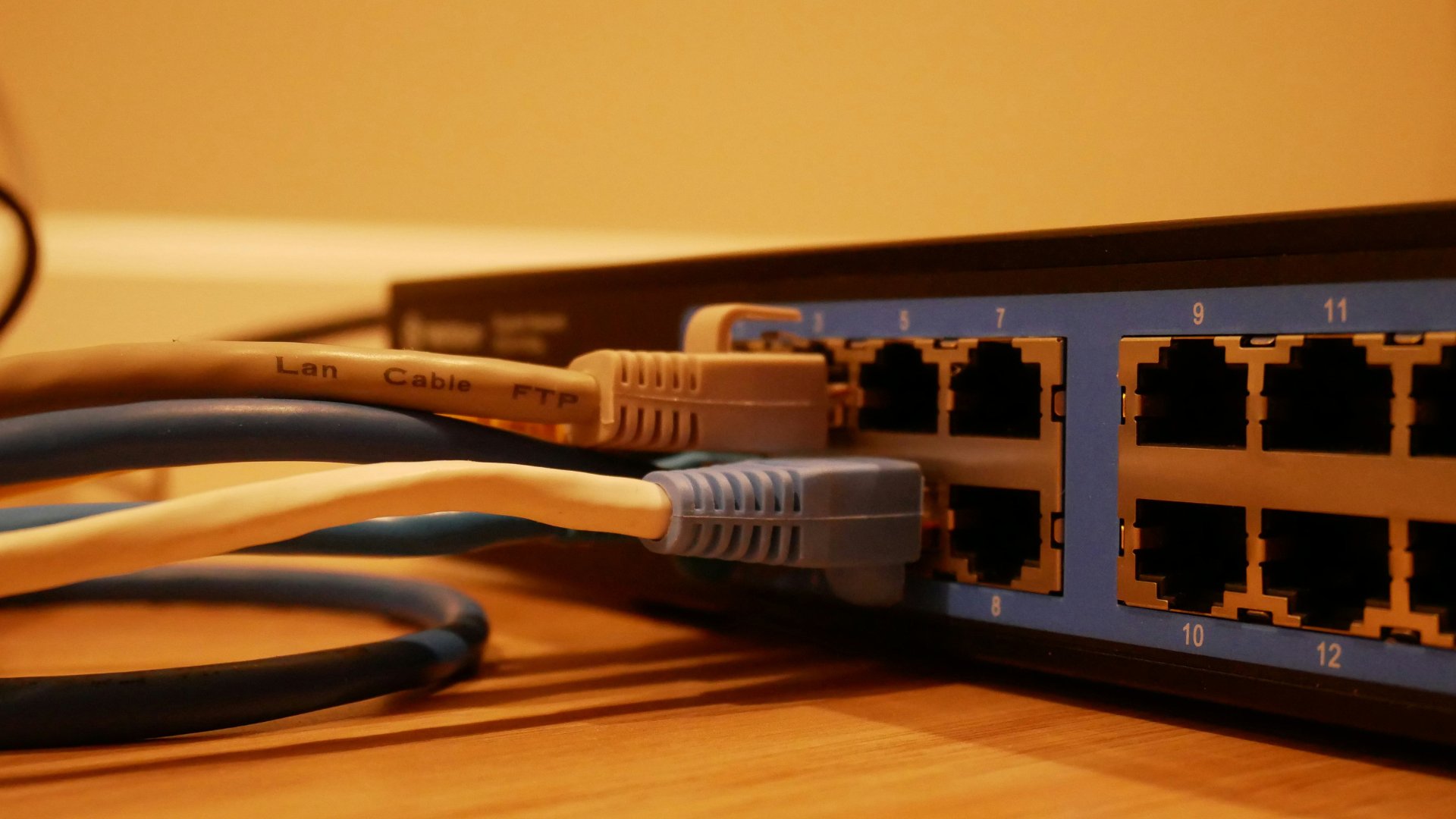
Ethernet is a wired networking technology that transmits data directly through a cable. Since the signal doesn’t need to travel through airwaves, it is significantly more stable.
Advantages of Ethernet for Gaming
Ethernet is the gold standard for serious, competitive gamers, and its reliability makes it the best option for Esports titles and games that require high precision.
It also offers:
Lowest possible ping and extremely consistent latency
Minimal jitter and nearly zero packet loss
No interference from other devices or objects
Stable bandwidth for gaming, streaming, and downloads
If you regularly play shooters, MOBAs, battle royales, or fighting games, Ethernet is likely a better option than Wi-Fi.
Disadvantages of Ethernet for Gaming
Although Ethernet offers plenty of benefits for actual gameplay, there are some logistical limitations.
These limitations include:
Requires running a physical cable
Less flexible if your gaming PC is far from the router
May require drilling, long cable routing, or additional hardware
Not ideal for multi-floor homes without network ports
Despite these constraints, many PC gamers still consider Ethernet’s stability worth the effort of setting it up.
Wi-Fi vs. Ethernet for Gaming: Performance Breakdown
When comparing Ethernet vs. Wi-Fi for gaming, there are five main categories to consider.
These categories are:
Speed: Although both can support high bandwidth, Wi-Fi speeds fluctuate more due to interference and distance, whereas Ethernet delivers consistent, true-to-spec speeds.
Ping and Latency: Even with a strong Wi-Fi signal, wireless latency can vary by several milliseconds, so Ethernet is the clear winner here.
Stability: Ethernet remains stable under nearly all conditions, while Wi-Fi can experience drops or slowdowns due to other household devices.
Download and Upload Performance: Both technologies can deliver fast download speeds, but Ethernet avoids the bottlenecks that can affect Wi-Fi.
Security: Ethernet is more secure because data travels over a physical line, whereas Wi-Fi security relies on router encryption and strong password protection.
Is Wifi Better for Gaming?
Wi-Fi is the better option when:
You play casual or story-driven games
You’re close to your router and using Wi-Fi 6 or newer
Running a cable is inconvenient or impossible
Your household has light to moderate device activity
You prefer flexibility or a minimal desk setup
For many PC gamers, Wi-Fi balances convenience and performance.
Is Ethernet Better for Gaming?
Wi-Fi may work for most gamers, but Ethernet is typically the preferred option when:
You play competitive titles such as Valorant, CS2, or Apex Legends
You stream your gameplay
Multiple people use the internet at the same time
Your router is far from your setup
You want the most reliable and consistent connection possible
If peak performance matters, choose Ethernet.
What Type of Connection Do Gamers Use Today?
Many competitive players still rely on Ethernet for minimal latency and consistent responsiveness. However, improved Wi-Fi standards are making wireless gaming increasingly viable for a broader audience.
Most modern iBUYPOWER gaming PCs support advanced Wi-Fi standards and high-bandwidth Ethernet, so your system delivers optimal performance on whichever connection you choose.
Which is Better for Gaming: Wi-Fi vs. Ethernet
Wi-Fi is convenient and flexible when using modern iterations of it. For many gamers, especially casual or single-player enthusiasts, Wi-Fi is perfectly sufficient. However, Ethernet remains the best choice for competitive players or anyone seeking the most stable, low-latency connection possible.
Before deciding on either Ethernet vs. Wi-Fi for gaming, consider:
Your gaming style
Your room layout and where you place your router
The number of devices using your network
Your PC’s networking hardware
Choosing the right connection depends on many things, but a well-built gaming PC can easily handle either option for the ultimate gaming experience.
iBUYPOWER gaming desktops and laptops offer robust networking options and modern components that deliver a stable, high-performance gaming experience regardless of your connection type. Whether you want a prebuilt system or a custom build, iBUYPOWER has you covered, no matter which side you land on in the Ethernet vs. Wi-Fi for gaming debate.