If you’re gearing up to explore the sci-fi frontier of The Outer Worlds 2 on your gaming PC, you’ll want to know exactly what hardware and software your system needs.
Below are some of the minimum and recommended specs your gaming PC needs to run The Outer Worlds 2, along with insights into storage and performance expectations for your gaming PC to handle one of 2025’s most anticipated RPGs.
About The Outer Worlds 2
Released on October 29, 2025, by Obsidian Entertainment and Xbox Game Studios, The Outer Worlds 2 continues the studio’s blend of narrative depth and open-world exploration. Players end up on the volatile Arcadia colony as an Earth Directorate agent investigating reality-tearing rifts threatening humanity.
The game features high-fidelity visuals with native 4K support, unlocked PC framerates, ray tracing, HDR, ultra-wide 21:9 displays, and performance upscaling via DLSS, FSR, and XeSS. It runs on Unreal Engine 5, delivering rich environments and complex gameplay that benefit from modern PC hardware. While the game isn’t the most demanding on paper, some of its system requirements, especially storage and GPU performance, could push older rigs to their limits.
If you want to experience the visually rich and highly customizable side of The Outer Worlds 2, you’ll need to make sure your PC is up to the challenge.
The Outer Worlds 2 Minimum PC Requirements
The minimum specs outline the baseline hardware you need to launch The Outer Worlds 2 and play it at basic settings. These are intended for 1080p gaming at lower graphical presets and will let the game run with stability, but don’t expect high framerates or maxed-out visuals.
Below are the minimum The Outer Worlds 2 PC requirements:
Operating System: Windows 10/11 (64-bit) with latest updates
Processor (CPU): AMD Ryzen 5 2600; Intel Core i5-8400
Memory (RAM): 16 GB
Graphics (GPU): AMD RX 5700; NVIDIA GTX 1070; Intel Arc A580
DirectX: Version 12
Storage: 110 GB available (SSD required): HDDs are not supported
Requiring 16 GB of RAM even at minimum reflects how expansive the RPG’s world is and the amount of detail in the mission systems. It’s also important to note that a good GPU is necessary as the game leans on its graphics horsepower more than many older titles.
Do I Need Internet to Play The Outer Worlds 2?
You don’t need an Internet or a WiFi connection to play The Outer Worlds 2, unless you download it from a platform like Steam. It’s not necessary to actually play, though.
The Outer Worlds 2 Recommended PC Requirements
The visuals and expansive world in The Outer Worlds 2 mean that it’s worth focusing on having the recommended specs for the game instead of just the minimum requirements. If you want smoother gameplay at higher resolutions and graphical settings (especially if you’re targeting 1440p or 4K), you should aim for at least the recommended hardware.
Here are the recommended The Outer Worlds 2 PC requirements:
Operating System: Windows 10/11 (64-bit) with latest updates
Processor (CPU): AMD Ryzen 5 5600X; Intel Core i7-10700K
Memory (RAM): 16 GB
Graphics (GPU): AMD Radeon RX 6800 XT; NVIDIA RTX 3080
DirectX: Version 12
Storage: 110 GB available (SSD required): an M.2 SSD is strongly recommended
These recommended hardware requirements provide the power needed to achieve more stable frame rates and improved visual fidelity. Better hardware is more noticeable when you enable settings such as high texture detail, shadows, and post-processing effects.

The Outer Worlds 2 System Requirements: Why SSD Storage Matters
One of the biggest surprises in The Outer Worlds 2 system requirements is just how much storage and speed the game demands. At 110 GB, the install size is far larger than the original Outer Worlds, and an SSD is mandatory for installation and in-game performance.
With good SSD storage, you’ll notice improvements in:
Loading times for areas and missions
Texture streaming and pop-in reduction
General stability during gameplay
If your system still runs primarily on an HDD, upgrading to at least an NVMe SSD will significantly improve your gameplay in The Outer Worlds 2.
The Outer Worlds 2 System Requirements: How Would Your PC Perform
If you’re still not sure whether your computer fits within The Outer Worlds 2 system requirements, here’s a general breakdown of how different systems are likely to perform:
Entry-Level (Minimum Specs)
Capable of running at 1080p with low to medium settings
Expect framerates around 30–45 FPS in demanding scenes
The minimum specs for The Outer Worlds 2 are best for players who don’t mind visual compromises
Mid-Range (Recommended Specs)
Excellent for 1080p high settings
Capable of 60 FPS+ in many areas with optimization tools
If you have a more average gaming PC, the recommended specs for The Outer World 2 are a good fit
High-End
For resolutions like 1440p or 4K
Expect best performance with NVIDIA DLSS, AMD FSR, or similar
High framerate targets (e.g., 60+ FPS at 1440p) are realistic
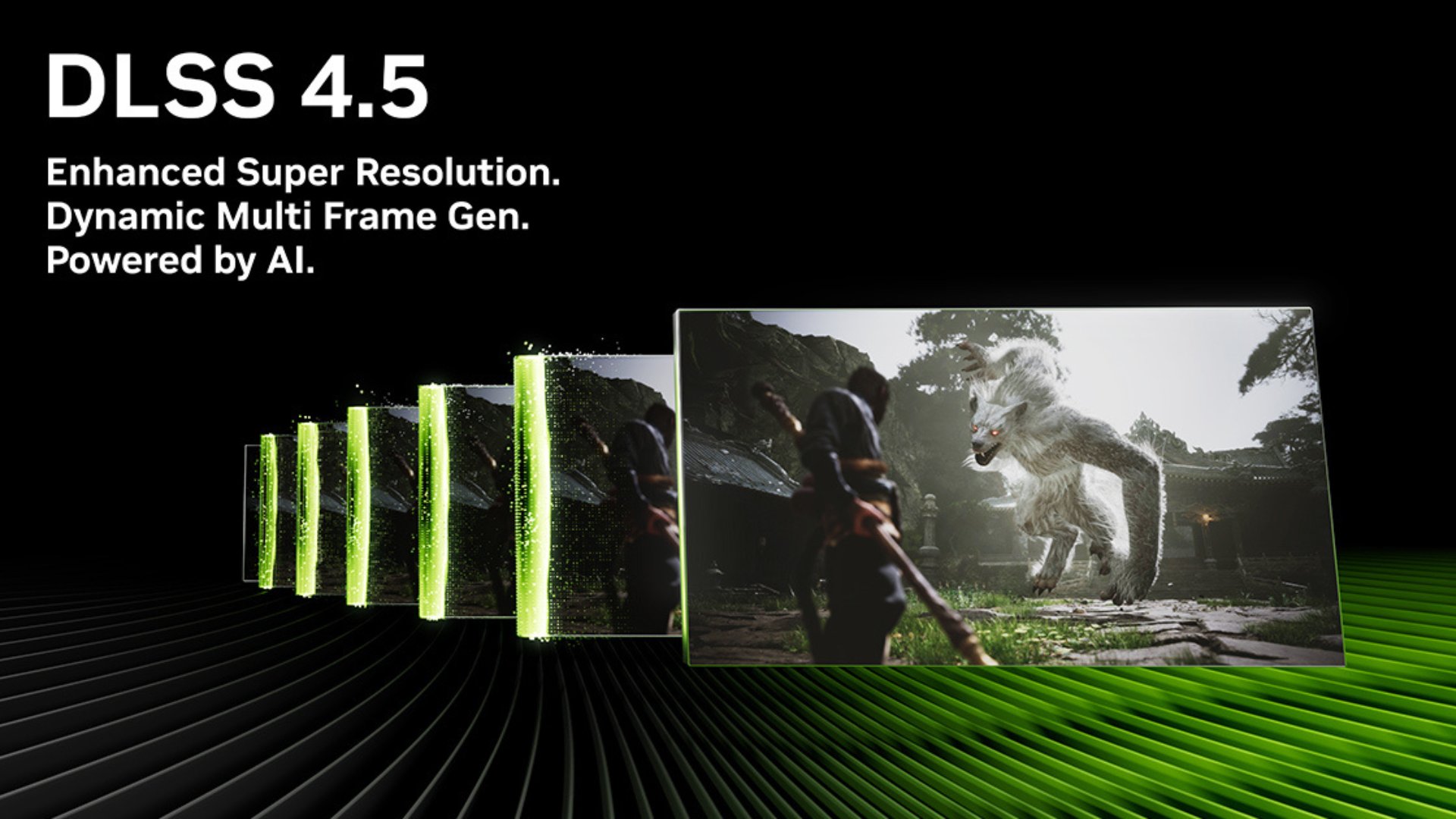
While The Outer Worlds 2 supports performance upscalers such as DLSS and FSR, the official requirements don’t account for their use. Enabling them can improve your visual experience, even on a mid-range system.
How to Check Your PC Against the Requirements
With all the focus on the visuals of the game, it’s tempting to upgrade all your components, especially if you think it might not run The Outer Worlds 2 well.
Before upgrading or buying the game, try these steps to check your system’s performance capabilities:
Open System Information:
Click Win + R, type dxdiag
Press Enter
Check your CPU, GPU, RAM, and DirectX version.
Free Disk Space:
Open File Explorer and check your SSD capacity.
Make sure 110 GB is available after accounting for your OS and other installed games.
If your system still needs an upgrade after these tests, it may be time to shop around for better components or a new custom PC, depending on your situation.
The Outer Worlds 2 PC Requirements: Tips for Better Performance
Understanding the Outer Worlds 2 PC requirements is key to enjoying this story-rich RPG on your terms.
If your PC meets the minimum but you still want a smoother experience:
Enable DLSS or FSR if your GPU supports it.
Lower shadow quality and draw distances.
Update GPU drivers to the latest version.
Close background apps to free up RAM.
If you’re looking to upgrade your system to play The Outer Worlds 2 or your other favorite PC games, then iBUYPOWER can help.