Moving or traveling with a gaming PC can feel stressful, especially when you have invested in high-performance components and a quality prebuilt PC. Whether you are relocating, heading to a LAN event, or bringing your setup to a new home, taking the right precautions can help prevent damage and keep your system running smoothly. This guide walks through practical, safe steps to protect your iBUYPOWER gaming PC before, during, and after transport.
Why Gaming PCs Need Extra Care When Moving
A modern gaming PC contains high-performance, high-capacity components such as graphics cards, cooling systems, and storage drives. During transport, vibration, sudden movement, or pressure can cause internal damage if the system is not properly secured. Even a professionally built iBUYPOWER prebuilt PC benefits from extra preparation when it is moved, especially over long distances or by car, plane, or shipping service.
Step 1: Power Down and Prepare Your Gaming PC
Before moving your gaming PC, shut it down completely and unplug all cables. Allow the system to cool for at least 30 minutes so internal components are not warm during handling. Remove all external accessories such as keyboards, mice, headsets, webcams, and monitors. Pack these separately to avoid unnecessary strain on ports or connectors.
Step 2: Secure Internal Components
Graphics cards are one of the heaviest parts inside a gaming PC and the most vulnerable during transport. If your system has a large GPU, it is safest to remove it and pack it separately in an anti-static bag with padding. If you prefer not to remove internal components, use internal packing material such as foam inserts or anti-static cushioning to prevent parts from shifting. Many iBUYPOWER prebuilt PCs ship with internal foam, which can be reused for travel if you still have it. Avoid using loose materials that can create static electricity.

Step 3: Use the Right Box and Padding
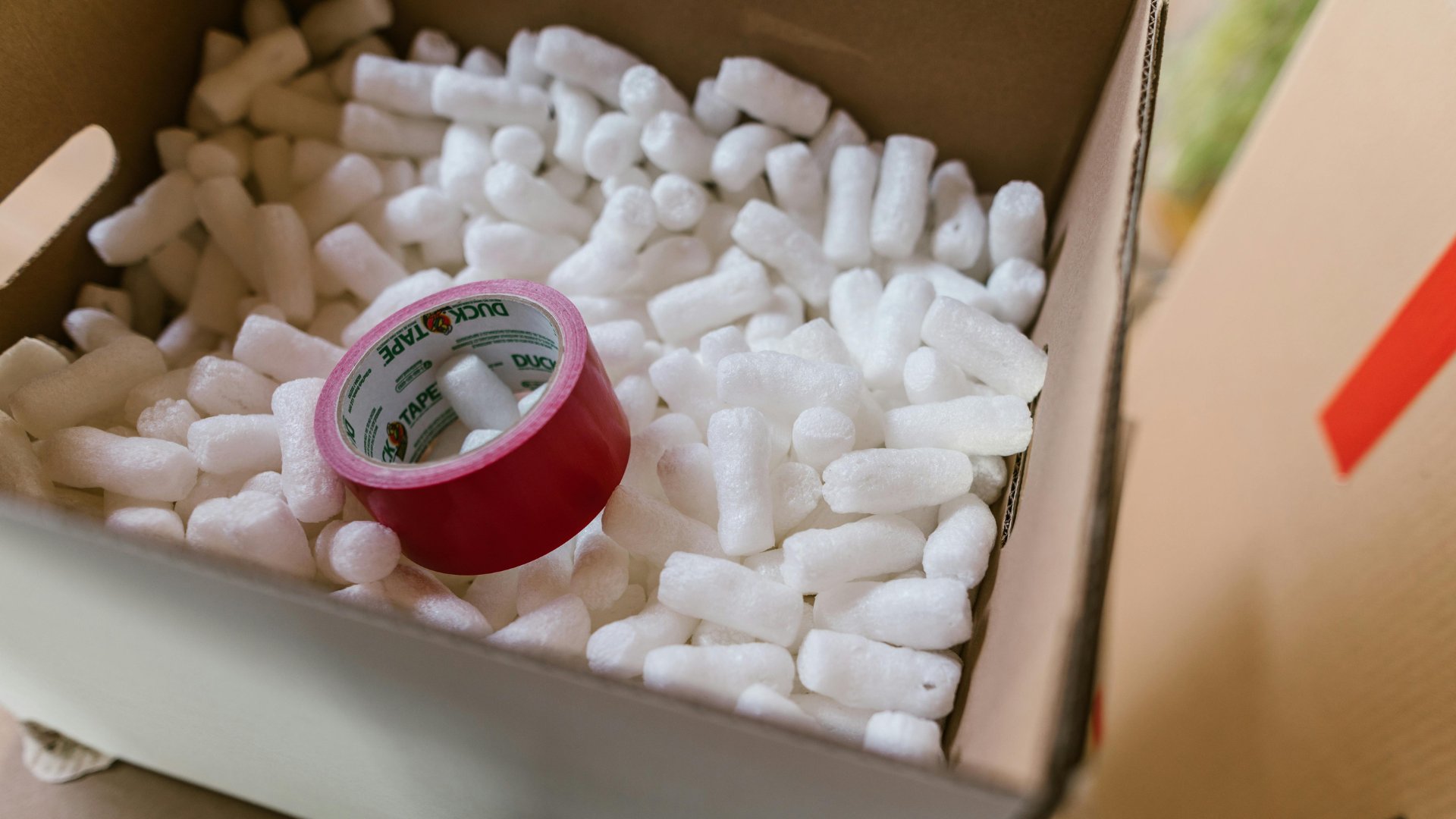
The original iBUYPOWER shipping box is ideal for moving a gaming PC. It is designed to support the system evenly and protect it from impact. If the original box is unavailable, use a sturdy box with at least two inches of padding on all sides. Bubble wrap, foam padding, or thick packing material works well. Make sure the PC cannot shift inside the box. Always transport the case upright to reduce stress on internal components.
Step 4: Traveling by Car, Plane, or Shipping Service
When traveling by car, place your gaming PC on a flat surface and secure it so it does not slide or tip over. Avoid stacking heavy items on top of the case. If flying, carry the PC as a checked item only if it is well padded and securely packed. Shipping the system ahead of time using a reliable carrier is often safer for longer distances. For shipping, insure the package and label it as fragile, which adds peace of mind when transporting a high value gaming PC.

Step 5: Set Up and Inspect After Arrival
Once you arrive, carefully unpack your system and inspect it for any visible issues. Reinstall the graphics card if it was removed and reconnect all cables. Before powering on, check that all internal components are seated properly. Once started, monitor temperatures and performance during your first gaming session to confirm everything is running normally.
Why iBUYPOWER Prebuilt PCs Are Easier to Move
An iBUYPOWER prebuilt PC is assembled and tested by professionals, ensuring components are properly installed, secured, and cable managed from the start. This makes the system more resilient during transport compared to PCs built without proper mounting or internal support. If you still have the original iBUYPOWER packaging, it is ideal for moving or traveling with your system, as each PC is professionally packed and protected for shipping using foam and reinforced boxes designed to prevent internal movement. With the right preparation, moving an iBUYPOWER gaming PC is straightforward, safe, and far less stressful.
Move a PC With Ease
Traveling or moving with a gaming PC does not have to be risky. By powering down correctly, securing internal components, using proper packaging, and handling the system carefully, you can protect your investment and enjoy smooth performance wherever you set up next. Whether you are relocating, attending an event, or upgrading your space, taking a few extra steps ensures your gaming PC arrives ready to play. Visit our deals page or our coupons page to find the latest discounts on all our products.
To stay connected with the iBUYPOWER community and keep up with all the latest updates, follow us on social media:
Instagram iBUYPOWER
Facebook iBUYPOWERPC
TikTok @iBUYPOWER
Reddit /r/iBUYPOWER
Discord iBUYPOWER