Has your computer started to feel slower, louder, or less capable than it used to be?
If the answer is yes, it might be time for an upgrade. Modern software and games demand more from your hardware each year, which means even a reliable machine will eventually show signs of aging. Knowing when to upgrade your PC is essential to staying up to date with your gaming needs and ensuring it can still perform under pressure.
Here are some of the most common signs that it’s time for an upgrade, which components to prioritize, and how often to upgrade your PC, based on your usage.
When to upgrade your PC: Why it Matters in the First Place
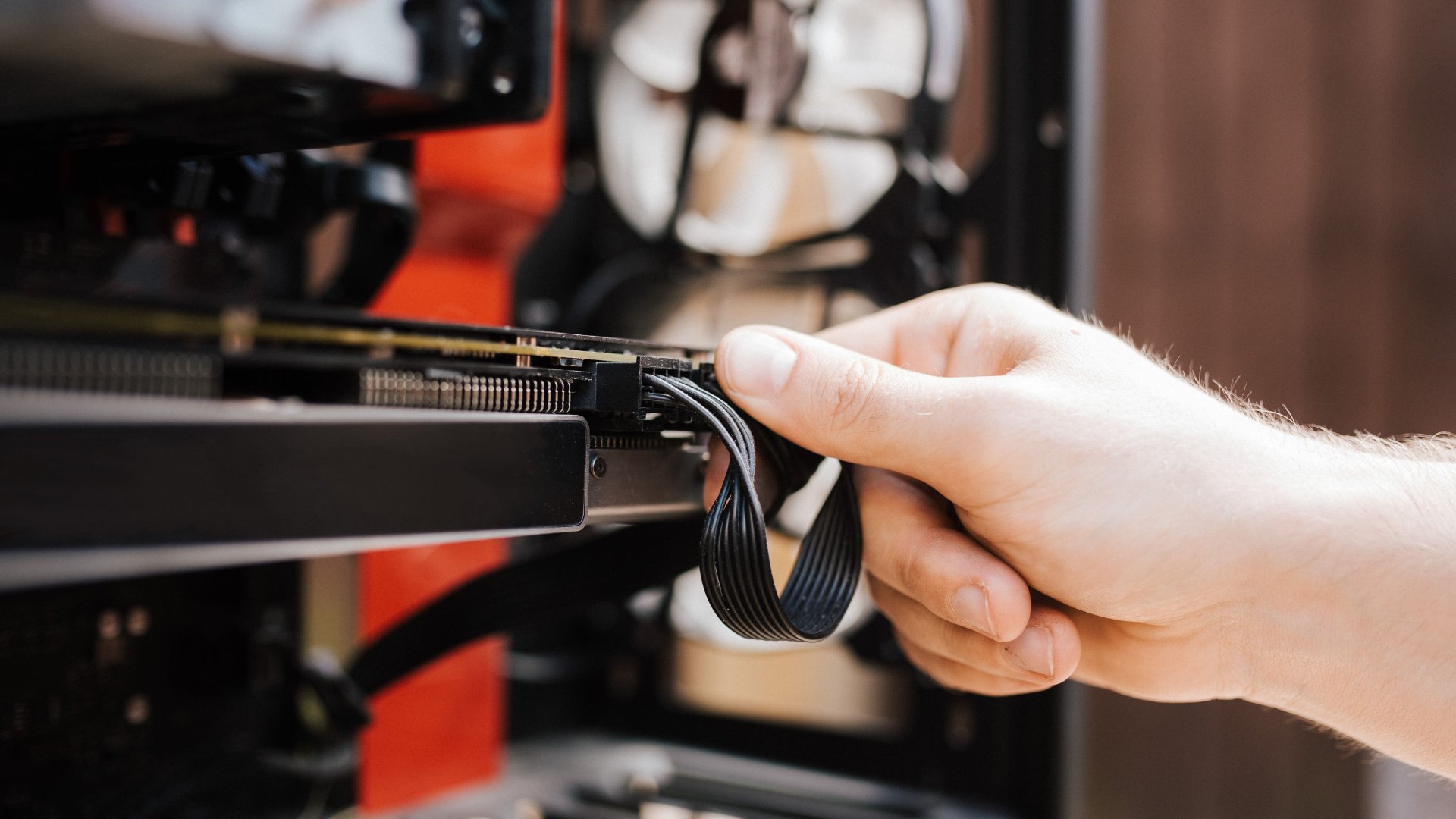
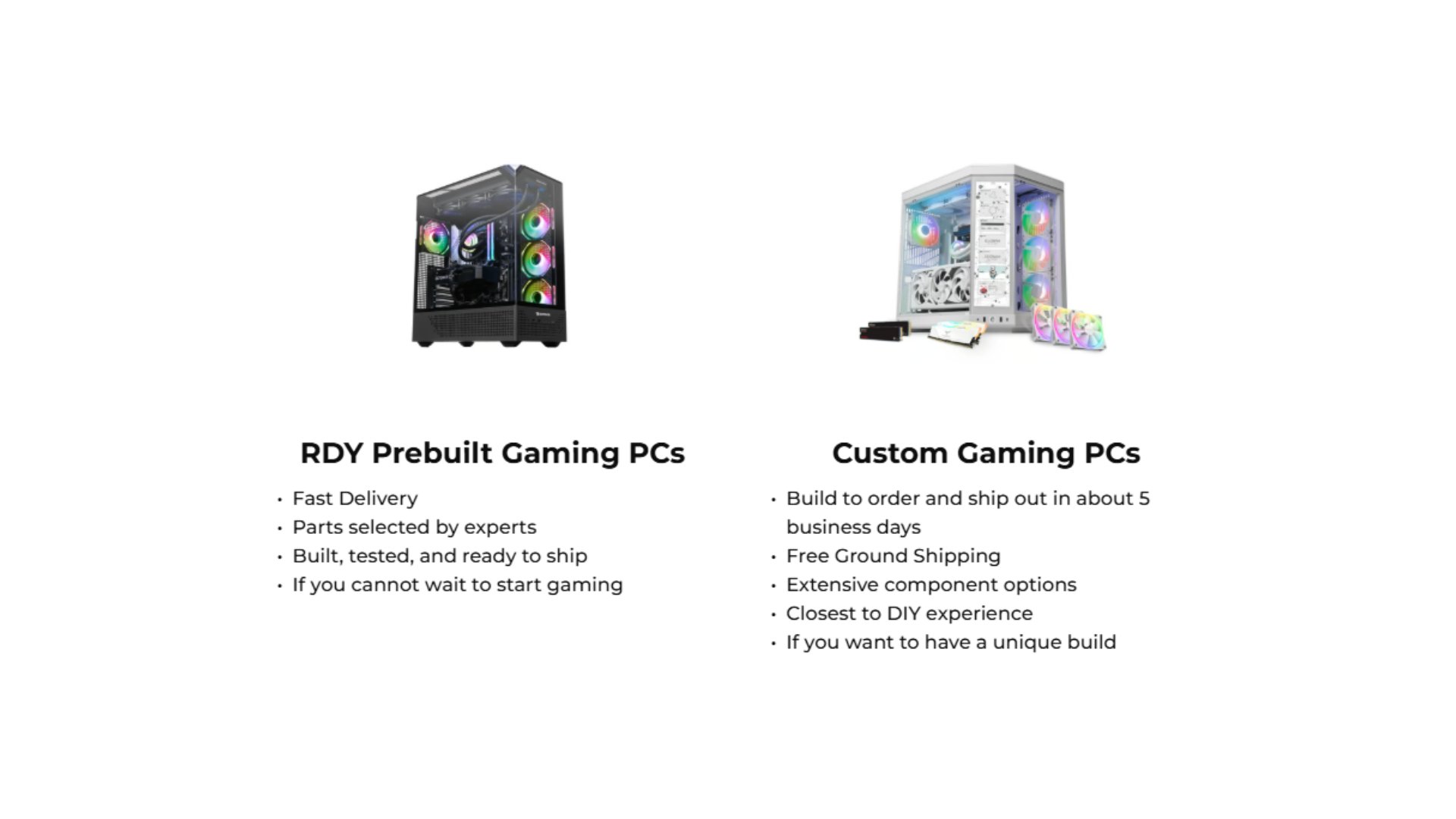
No matter if you have a customized PC you built yourself or a pre-built one, you will eventually need to upgrade your components, or even the entire system.
So, why exactly do you need to upgrade your PC? Keeping your PC up to date directly affects your ability to work, play, and multitask efficiently.
Better Performance Across the Board: Replacing older components with newer ones enables faster processing and shorter load times, making multitasking easier.
Future-Proofing for New Games and Applications: Many current programs and games require advanced CPUs, GPUs, RAM capacity, and storage speeds, so keeping your system up to date ensures long-term compatibility.
Improved Gaming and Creative Capabilities: For gamers and content creators, upgrading your computer allows for higher graphics settings, faster rendering, smoother VR performance, and more stable frame rates.
Upgraded computers help you avoid dealing with frustrating issues that can ruin your experience, or even lead to more costly problems down the line.
The Key Signs to Upgrade Your PC
Sometimes it can be challenging to determine whether it’s time to upgrade, even after browsing support pages or other online resources. If you’re unsure when to upgrade your PC, the following are reliable indicators that it may be time for new hardware or a whole system refresh.
1. Slow Everyday Performance
If basic tasks such as opening a browser, loading documents, or switching between apps are noticeably sluggish, your hardware may no longer meet your needs.
Some symptoms that fall under this category include:
Delayed program launches
Slow boot times
Frequent freezing or stuttering
High CPU or disk usage during simple tasks
Issues like these often point to outdated processors, insufficient RAM, or older hard drives. Upgrading to a modern CPU, adding more RAM, or switching to an SSD can significantly improve responsiveness.
2. Frequent Crashes or System Errors
Random crashes, blue screens (BSOD), and application errors are major warning signs that you need to upgrade your PC.
While software bugs can cause occasional crashes, consistent system instability typically points to:
Failing or overheating components
Insufficient memory
Power supply issues
A motherboard struggling with newer workloads
If troubleshooting and updates do not resolve the problem, it may indicate that your PC needs significant upgrades or replacement parts.
3. Inability to Run New Software or Games
One of the most obvious signs that it’s time to upgrade your PC is compatibility. If your PC does not meet the minimum or recommended specifications for new software or games, upgrading is necessary.
These indicators are:
New games running only on low settings or fail to launch
Applications warning that your hardware doesn’t meet requirements
VR headsets or creative tools lagging, glitching, or refusing to run
As games and creative tools evolve, so do their demands, especially on CPUs, GPUs, and RAM. Sometimes, if you need to replace your CPU or RAM (or even the motherboard), it’s better to do a complete system upgrade to keep your PC performing at its best.
4. Poor Graphics Performance
If you notice declining frame rates, visual stutter, long texture loads, or frequent overheating during gaming sessions, your GPU may be the bottleneck.
Modern GPUs offer:
Better ray tracing
Higher VRAM capacities
Support for newer graphics APIs
Massive generational performance jumps
Upgrading your graphics card often delivers the most noticeable performance gains for gaming and rendering tasks. When completing this upgrade, just make sure your power supply is compatible and can support your new GPU.
5. Storage Limitations and Slow Load Times
A major indicator of when to upgrade your PC is slow load times, which typically means you’re limited on storage. Running out of storage can slow your entire system, as Windows and other operating systems need free space for updates and temporary data.
These are a few signs your storage needs an upgrade:
Constant “low disk space” warnings
Slow file transfers
Games and programs are taking much longer to load
Mechanical hard drives are causing bottlenecks
Switching from an HDD to an SSD can drastically speed up your PC.

6. Overheating and Excessive Fan Noise
A loud computer often indicates heat buildup. As components age, thermal paste dries out, airflow decreases, and fans must work harder to cool the system.
Overheating causes:
Thermal throttling
Premature shutdowns
Reduced component lifespan
If cleaning, reapplying thermal paste, or adding fans does not resolve the issue, your hardware may no longer be able to keep up with your current workload.
7. Outdated or Incompatible Connectivity
If your PC lacks modern connectivity options (USB-C, Thunderbolt, PCIe 4.0/5.0, or Wi-Fi 6/6E), it may be limiting your ability to use newer accessories and faster networking. These limitations indicate it may be time to upgrade the motherboard, CPU, or wireless card, likely indicating a complete system refresh.
How Often Should I Upgrade My PC?
The ideal upgrade timeline depends on your usage. Most everyday users can expect to upgrade every 3–5 years, while most professionals and creatives may need to upgrade every 2-4 years.
For gamers, though, it’s best to upgrade your PC every 2-4 years, especially the GPU and CPU, so that you can play newer titles without issue.
A few reasons that can impact how often you should upgrade your PC are:
Aging or overheating hardware
Increasing application demands
Improving performance in new games
Limiting upgrade potential due to motherboard compatibility
Power efficiency and cooling improvements in newer generation hardware
A balanced approach is to upgrade individual components regularly and plan a full platform refresh when compatibility constraints arise.
Quick Checklist: Should I Upgrade My Computer Now?
Knowing when to upgrade your PC lets you maintain strong performance and stay compatible with new games and software. Whether you need faster load times or higher gaming frame rates, making the right upgrades can transform your gaming experience.
At this point, if you’re still unsure whether upgrading your PC is the right move, ask yourself:
Does my PC struggle with everyday tasks?
Are new games or applications unable to run correctly?
Do I experience crashes, freezes, or overheating?
Is my hardware too old for new standards or ports?
Is upgrading individual components more expensive than replacing the system?
If you answered “yes” to any of these questions, it is time for an upgrade, and with iBUYPOWER, you can do just that.
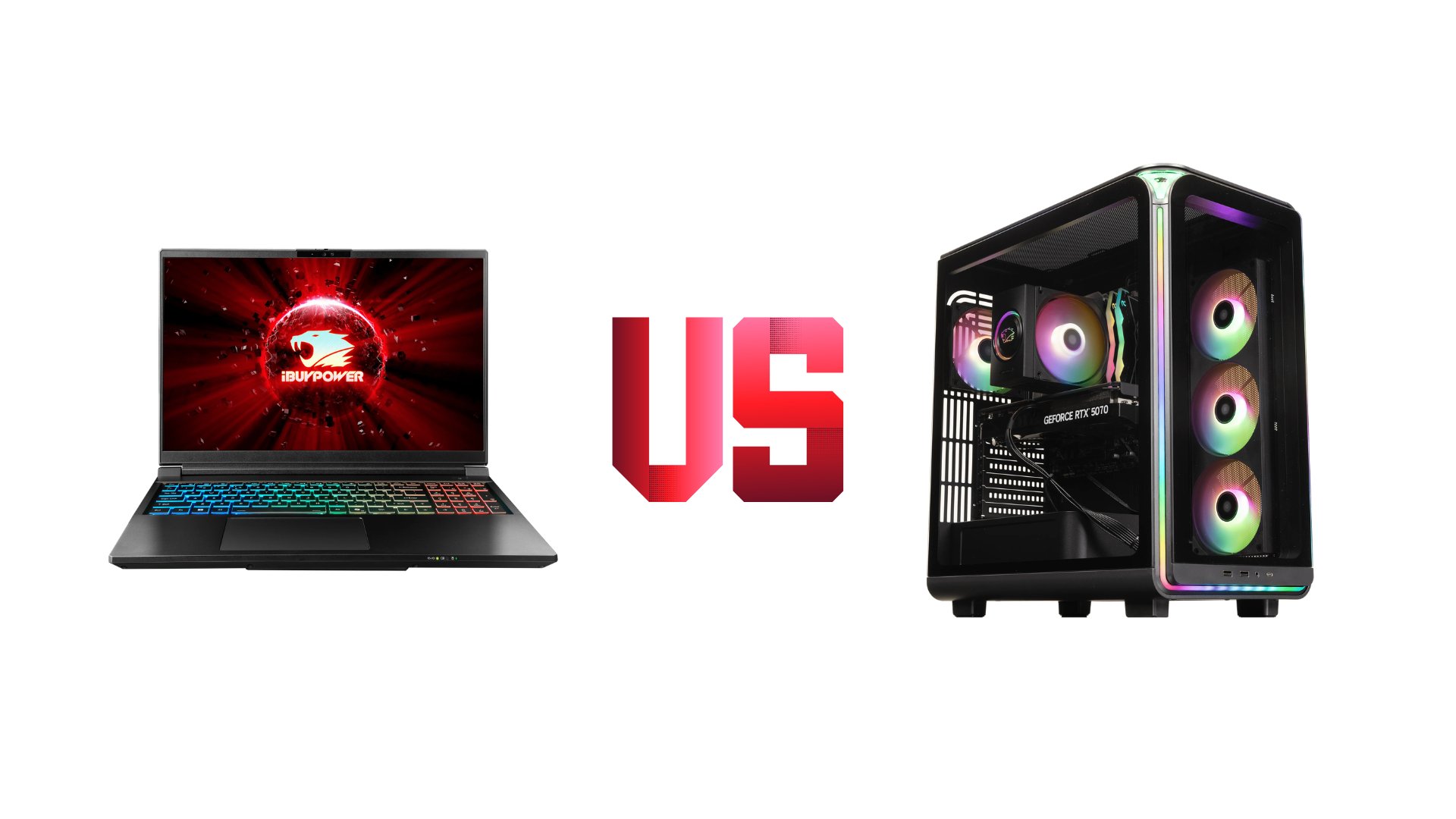
Our selection of gaming computers and laptops allows you to upgrade your PC and get back to enjoying your favorite games in no time. Visit our deals page or our coupons page to find the latest discounts on all our products.
To stay connected with the iBUYPOWER community and keep up with all the latest updates, follow us on social media:
Instagram iBUYPOWER
Facebook iBUYPOWERPC
TikTok @iBUYPOWER
Reddit /r/iBUYPOWER
Discord iBUYPOWER