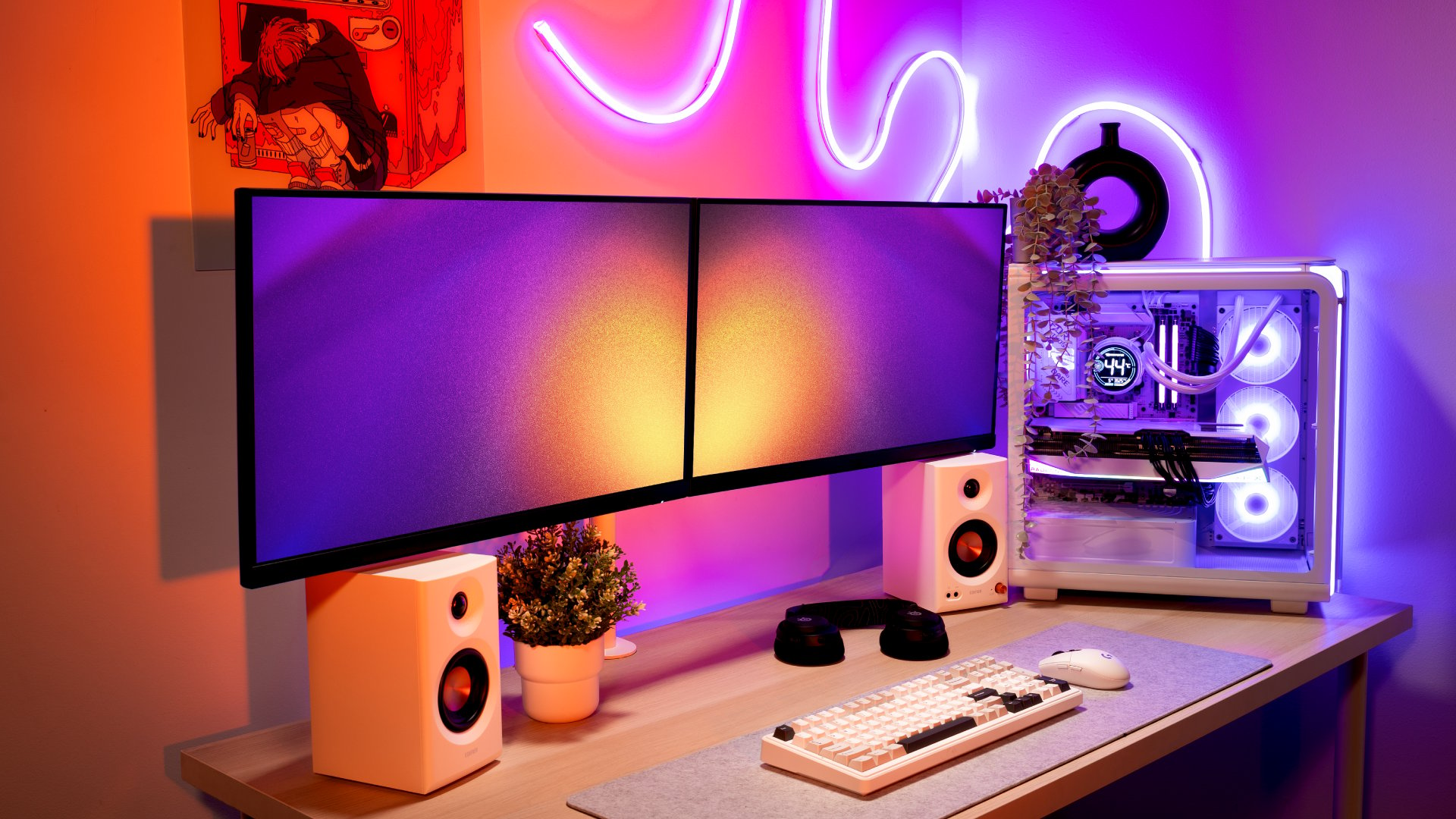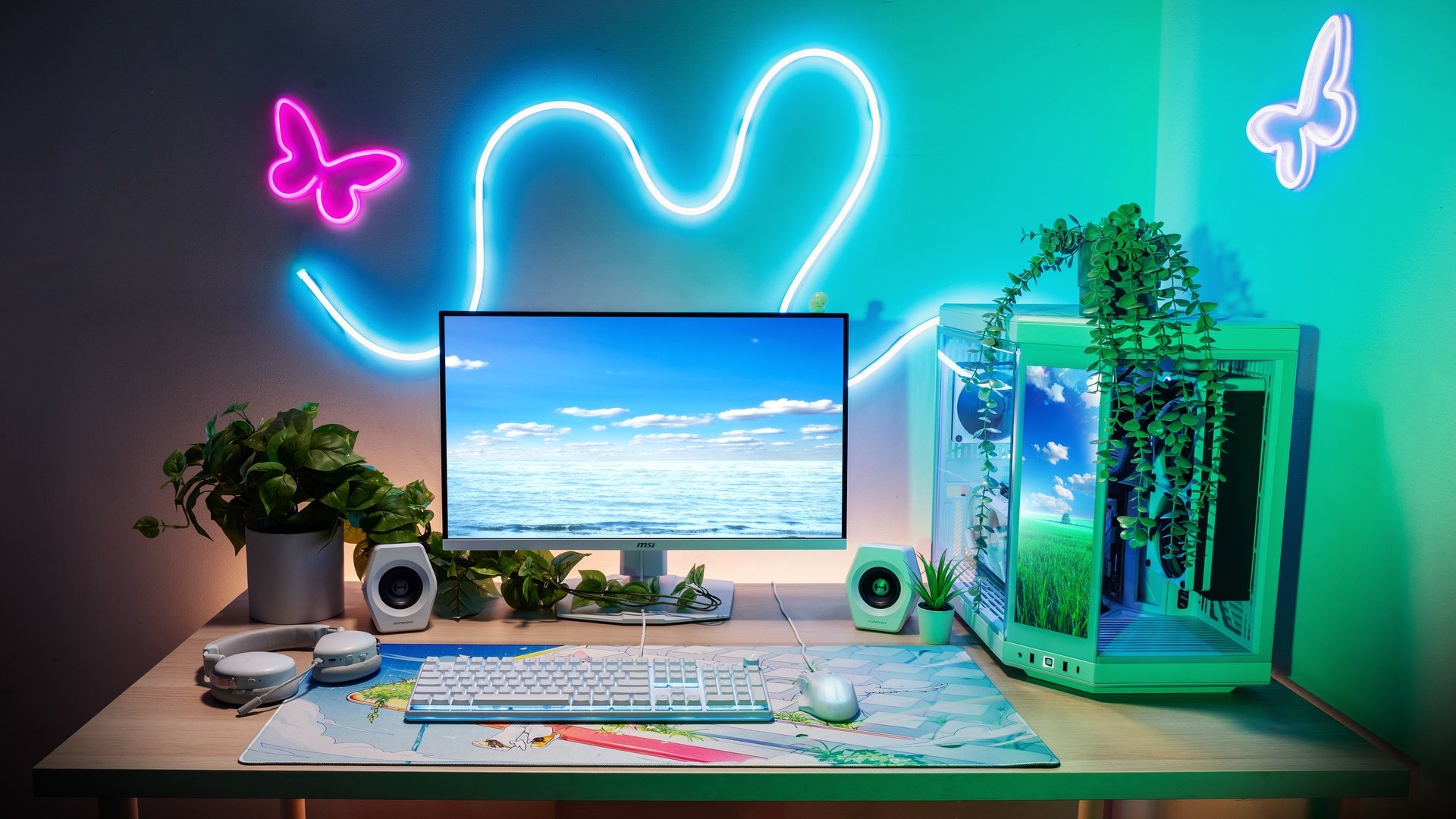
You’ve invested in a powerful prebuilt PC, whether it’s an iBUYPOWER Custom PC or another gaming rig, but what does your desk say about you? Tangled cables, cramped keyboard space, and nowhere to put your drink. Sound familiar?
A great setup isn’t just about aesthetics. It’s about creating a workspace that keeps you focused, comfortable, and ready to perform. This guide walks you through three core principles: choosing the right peripherals, keeping only what you need, and making the most of every inch of vertical space.
Step 1: Choose Peripherals That Work Harder for You
The accessories you pick for your gaming PC setup shape how your entire desk feels and functions. Before you buy anything, ask one question: Does this peripheral serve more than one purpose? Multi-function accessories save space, reduce clutter, and give your deskscape a cleaner, more intentional look.
Go Compact with Your Keyboard
A full-size keyboard with a numpad takes up a surprising amount of real estate. Switching to a 75% or tenkeyless (TKL) layout immediately frees up room to the right of your keyboard, enough for a more comfortable mouse zone, a notepad, or simply breathing room. For most gaming PC use cases, you won’t miss the numpad.
Add a Monitor Light Bar
A light bar is one of the smartest dual-purpose accessories you can add. Positioned along the back edge of your display, it illuminates your keyboard and desk surface without creating glare on the screen, acting as both a task light and an ambient room light. It’s a small change that makes long gaming sessions and late-night work dramatically more comfortable, and it keeps your desk clear of a traditional lamp.
Think Under the Desk, Too
Storage drawers that mount under or beside your desk are an often-overlooked upgrade. They tuck away controllers, headsets, cables, notebooks, and anything else that tends to pile up on the surface. A clear desk surface isn’t just visually satisfying; it reduces distraction and makes your gaming PC setup feel more like a professional workstation.
Deskscape tip: When evaluating any peripheral for your gaming PC desk, ask yourself if you would miss it if it were gone. If the answer is “not really,” it doesn’t belong on your desk.
Step 2: Keep Only the Necessities and Go Wireless Where You Can
Cable clutter is the single biggest enemy of a clean gaming PC desk setup. Every wired peripheral adds a cable that needs to be routed, managed, or hidden. The simplest solution? Go wireless. Modern wireless gaming peripherals have closed the gap on wired performance entirely, and the trade-off in cable clutter is immediate and dramatic.
Here are some iBUYPOWER Gear Store items perfect for a wireless deskscape:
Wireless Gaming Mice
Logitech G305 Lightspeed Wireless Gaming Mouse

Lightweight and reliable with LIGHTSPEED wireless technology. A clean, minimal profile that suits almost any desk color scheme.
Logitech G502 Lightspeed Wireless Gaming Mouse

A heavier, feature-rich option with adjustable weights and 11 programmable buttons. Great for gaming PC players who want full control without the cable drag.
Wireless Mechanical Keyboards
AULA F75 Pro Wireless Mechanical Keyboard

A 75% compact layout that cuts the numpad without cutting features. Wireless freedom keeps the desktop clean and the gaming session uninterrupted.
YUNZII B75 PRO Wireless Mechanical Gaming Keyboard

For the aesthetic-forward setup. The Cocoa Cream colorway and smooth V2 switches make this as satisfying to look at as it is to type on.
Mousepads
A good mousepad anchors your entire input setup. Choose a size that fits your desk without overwhelming it, and opt for a consistent surface that pairs well with your wireless mouse’s sensor.
SteelSeries QcK Mouse Pad Small

The classic, no-fuss option. Micro-woven cloth surface optimized for both optical and laser sensors, and tight enough to keep your desk surface clear.
ASUS TUF P1 Gaming Mouse Pad

Splash-proof and roll-resistant, with a stitched edge for durability. A smart choice for a gaming PC desk that doubles as a workspace.
Gaming Monitors
Your monitor is the centerpiece of any gaming PC desk setup. A display that matches the output of your prebuilt PC — high refresh rate, sharp resolution — ensures you’re actually getting everything your hardware can deliver.
MSI MAG 244F Gaming Monitor

Fast refresh rate in a compact flat panel form factor. Ideal for competitive gaming PC setups where response time matters more than screen real estate.
MSI MAG 242C Curved Gaming Monitor

A curved display that wraps the field of view around you, adding immersion to every gaming session without taking up extra desk depth.
Step 3: Utilize Vertical Space to Maximize Your Setup
Most gaming PC desk setups treat the desk surface as the only usable real estate. That’s leaving a huge amount of potential untapped. The space above, beside, and below your desk is prime territory for storage, organization, and even decor. Using it well is what separates a decent setup from a truly optimized space.
Wall-Mounted Shelves
Shelves above or beside your desk create dedicated space for speakers, figures, plants, or backup accessories, all without touching your desk surface. They also visually anchor the desk and give you a place to display personality without creating clutter.
Monitor Stands
Raising your gaming monitor to eye level isn’t just ergonomically sound; it creates a shelf underneath the stand for a keyboard, headset, or small items. It’s one of the most space-efficient upgrades you can make to any gaming PC desk setup.
Pegboards
A pegboard mounted behind or beside your desk is one of the most customizable organization tools available. Hooks, baskets, and shelving inserts let you store headphones, controllers, charging cables, and small tools in a way that’s organized, visible, and easy to grab, all off the desk surface.
Cable Management
Even with wireless peripherals, your PC and monitor will still have power and video cables to deal with. Strapping these to the underside of the desk by using cable raceways, Velcro straps, or adhesive cable clips keeps them completely off the surface and out of sight. A clean desk surface starts with cables you can’t see.
Deskscape tip: Approach your setup from the top down. Start by clearing the surface entirely, then only return what genuinely needs to be within arm’s reach. Everything else earns a spot on a shelf, on a pegboard, or in an under-desk drawer.
Build the Gaming PC Desk Setup You Actually Want
Your prebuilt PC deserves a workspace that matches its performance. Whether you’re starting fresh or refreshing an existing battlestation, the right accessories make the difference between a cluttered desk and a deskscape you’re proud to sit at every day.
Start with what you use most, go wireless wherever you can, and use every dimension of your space, not just the surface. Visit the deals page or our coupons page for the latest discounts on all our products. While we don’t offer an iBUYPOWER cashback program, you can still redeem your rewards points for extra savings at checkout. Act fast and secure your dream rig today!
To stay updated on all things iBUYPOWER follow us on our socials
Instagram iBUYPOWER
Facebook iBUYPOWERPC
TikTok @iBUYPOWER
Reddit /r/iBUYPOWER
Discord iBUYPOWER