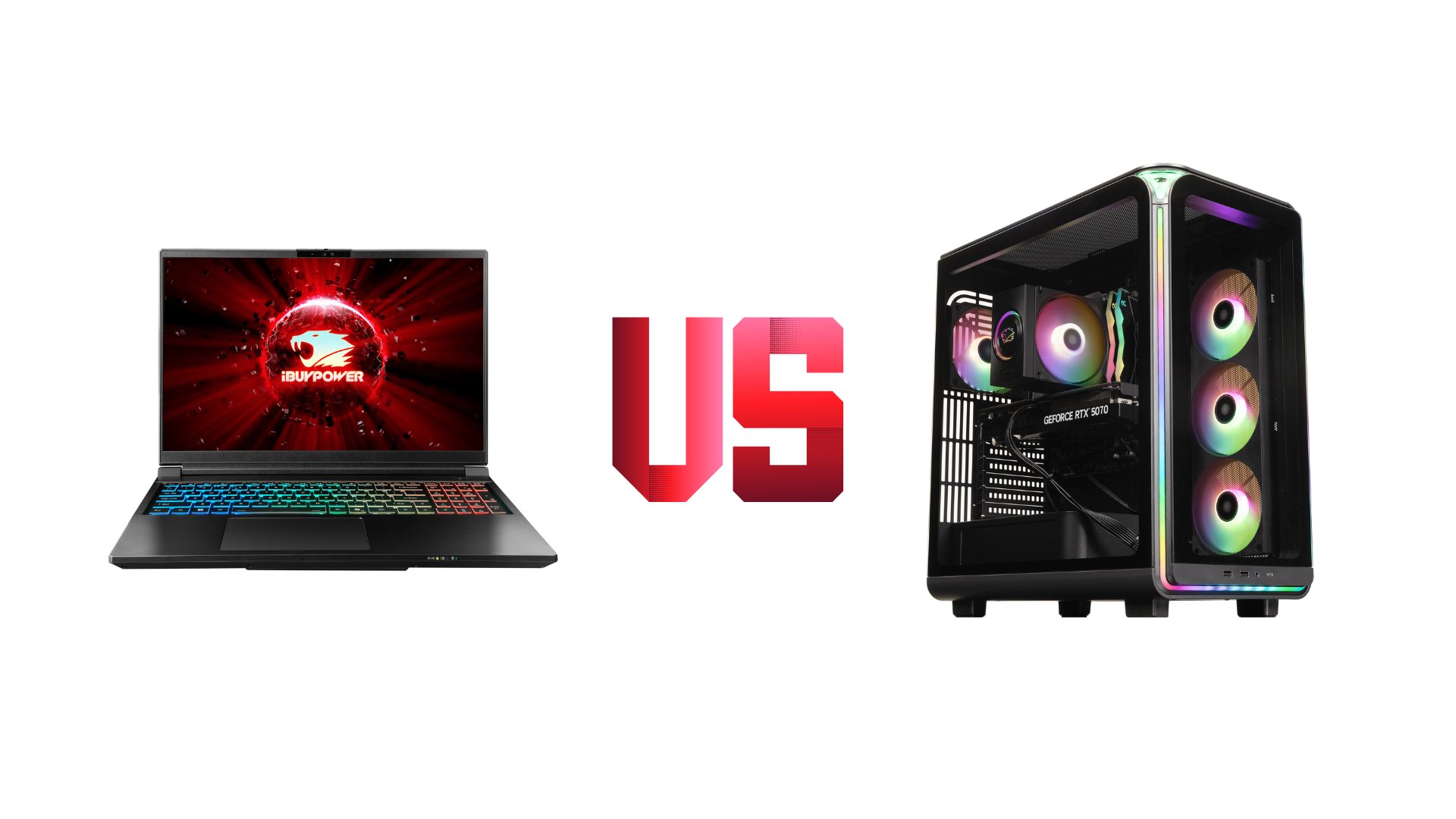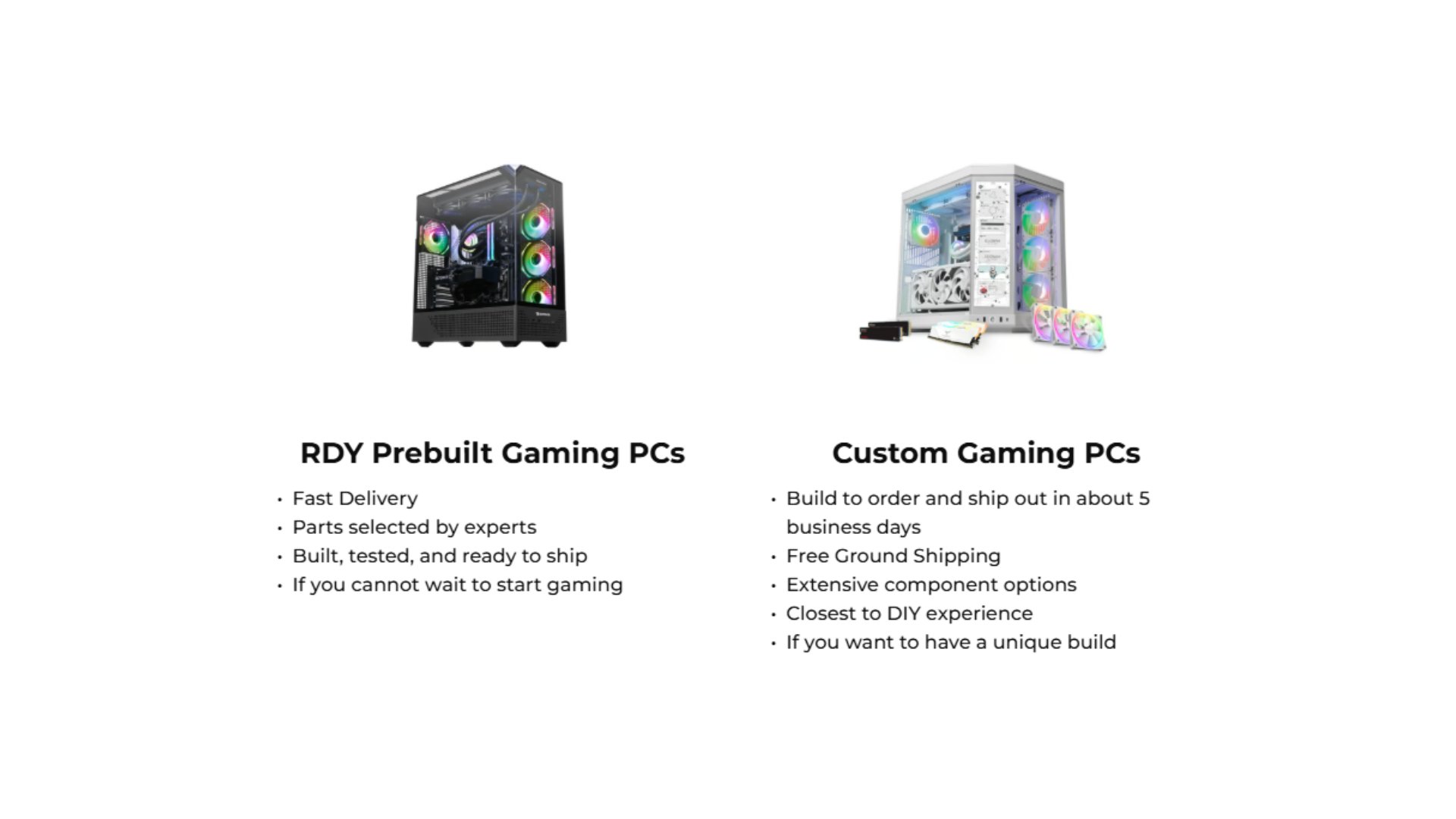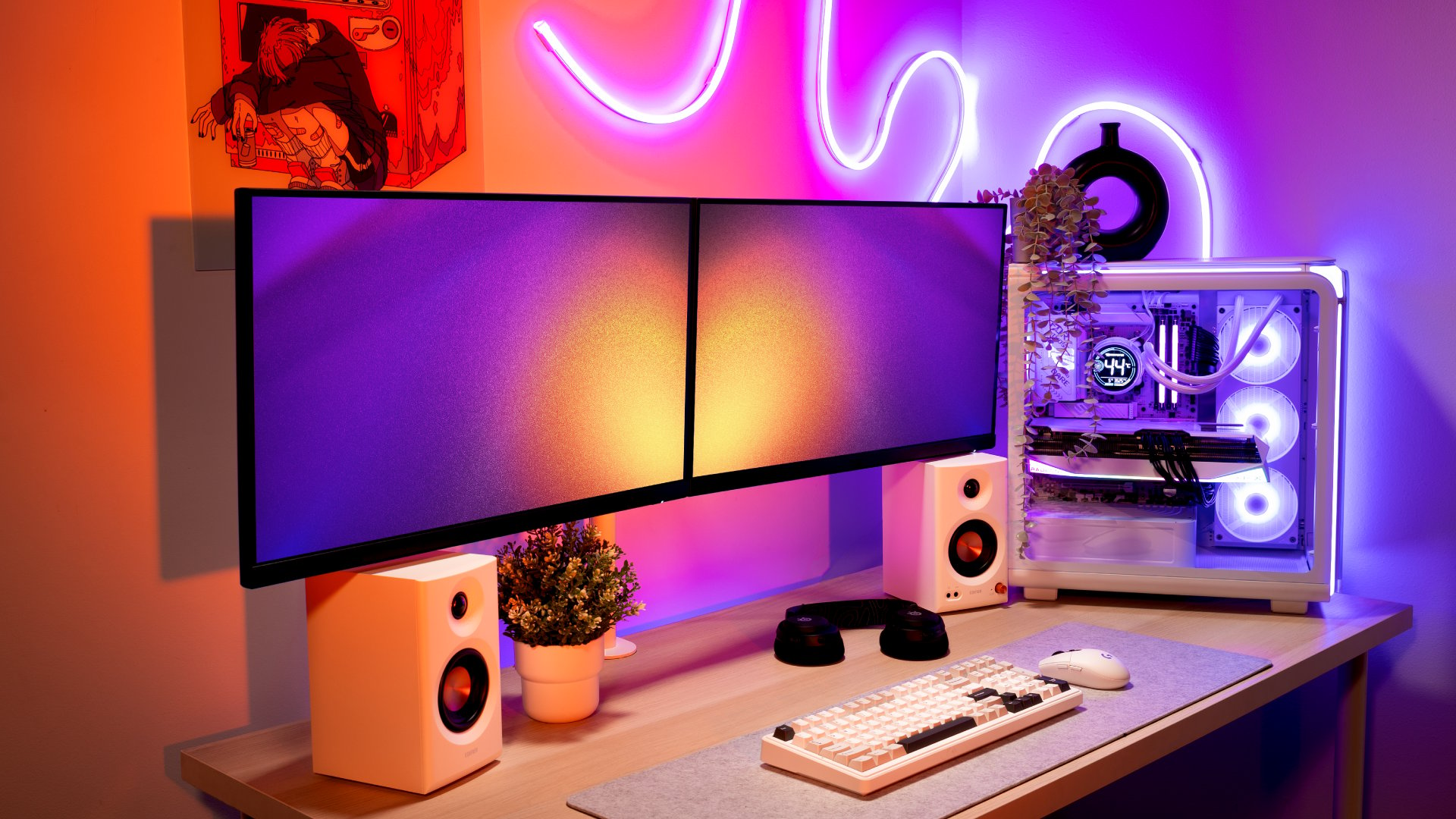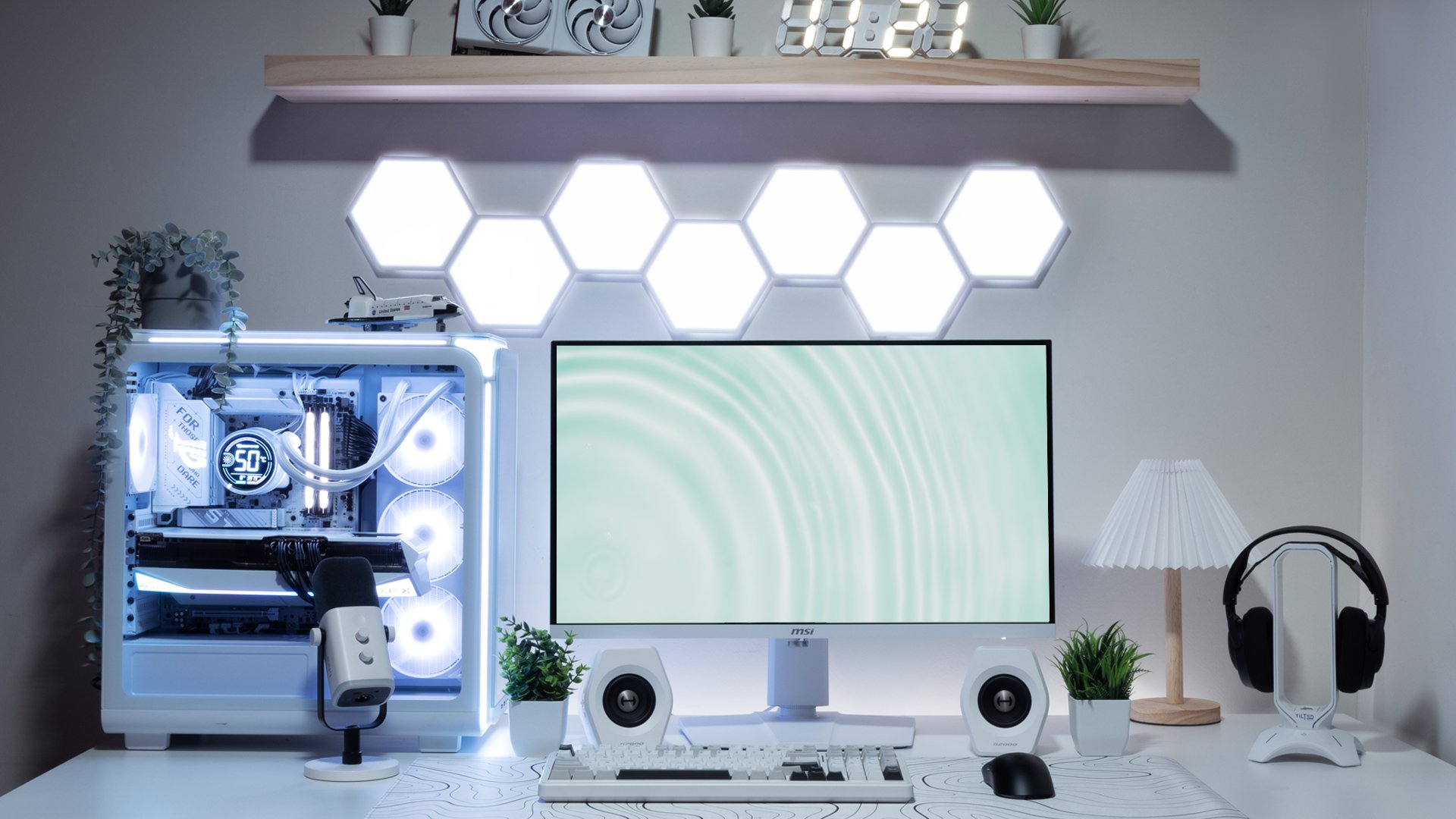
A powerful gaming PC deserves an equally impressive setup. Whether you just unboxed a new iBUYPOWER prebuilt PC or you’ve had your gaming PC for years, a clean, organized desk can completely transform your experience and your gameplay. Clutter kills focus. A minimal, well-managed gaming station keeps your mind sharp and your rig looking as good as it performs.
This guide walks you through exactly how to build a clean, minimal gaming setup around your iBUYPOWER gaming PC step by step.
Step 1: Clear the Clutter
Before you add anything, take everything off your desk. Yes, everything.
A clean setup starts with a blank canvas. Remove old cables, unused peripherals, food wrappers, sticky notes, and anything that doesn’t belong in your gaming space. Wipe your desk surface and simplify what you need on it.
The golden rule: if it doesn’t serve a purpose, it doesn’t belong on the desk.
This separates a purposeful gaming setup from a chaotic one. Once your prebuilt PC is the star of the desk, everything else should support it, not compete with it.
Step 2: Choose Your Peripherals Intentionally
A clean gaming setup isn’t about having the most gear. It’s about having the right gear. A handful of premium, well-chosen accessories make a far bigger visual impact than a desk buried in devices.
Here’s what we recommend to complement your desk setup:
Deskmat: The Foundation of Every Clean Setup

A large deskmat instantly unifies your whole setup. It gives your mouse and keyboard a consistent surface, protects your desk, and adds a polished, intentional look. The Corsair MM350 PRO Gaming Mouse Pad Extended XL is a go-to choice; its extended XL size covers the full desk surface for a sleek, cohesive look that pairs perfectly with any iBUYPOWER gaming PC setup.
Wireless Mouse: Cut the Cord, Keep the Performance

Cables are the number one enemy of a clean desk. A wireless gaming mouse eliminates drag, reduces visual clutter, and still delivers the precision performance you need. The Razer Viper V3 Pro Wireless Gaming Mouse is one of the best wireless gaming mice available. It’s ultra-lightweight, lag-free, and a clean aesthetic match for any prebuilt PC setup.
Wireless Keyboard: Less Cable, More Style

A wireless mechanical keyboard brings both feel and cleanliness to your desk. The AULA F99 Wireless Mechanical Keyboard with LEOBOG Greywood V3 Switch offers satisfying tactile feedback without the tangle of cables. The compact design keeps your desk surface open and breathable, a major win for any clean gaming setup.
Speakers: Audio Without the Mess

A compact speaker setup delivers rich sound while keeping your desk minimal. Skip the bulky multi-piece audio rigs. The Edifier G2000 2.0 Gaming Speakers offer premium stereo sound in a compact, desktop-friendly form factor. Their clean white finish adds a sleek contrast to any gaming setup built around an iBUYPOWER prebuilt PC.
Step 3: Organize Everything
Great peripherals and a fresh start only go so far. Organization is what turns a clean gaming setup into a maintained one.
Cable Management
Cables are almost always the biggest visual problem in any gaming setup. Here’s how to tackle them:
Cable clips can route individual cables along the back or underside of your desk to keep them out of sight.
Cable boxes hide power strips and cable tangles in a discreet box under or behind your desk.
Under-desk cable trays allow you to mount a cable tray underneath your desktop to organize and lift cables completely off the floor.
Your PC likely has multiple display outputs, USB connections, and audio cables. Taking 30 minutes to manage these properly will have a huge visual payoff.
Monitor Arms: The Single Best Upgrade for a Clean Setup
A monitor arm lifts your screen off the desk, frees up precious surface space, and gives you perfect ergonomic positioning. If you’re running dual monitors with your gaming PC, a dual monitor arm is a game-changer.


Both options create the floating monitor look that’s become the hallmark of premium gaming setups.
Desk Organizers
Organizers can prevent the slow creep of clutter that kills the look of any gaming station.
Pegboards
A pegboard on the wall behind your desk is an underrated organizational tool. Mount headphones, controllers, cable ties, and small accessories off the desk entirely. It adds visual interest to your gaming space while keeping your desk surface completely clear.
Step 4: Maintain It
A clean gaming setup isn’t a one-time project. It’s an ongoing habit. Dust, fingerprints, and cable drift are inevitable, especially around a high-performance gaming PC that’s running hot and pulling in airflow.
Build a Weekly Reset Routine
Once a week, take five to ten minutes to reset your space:
Wipe down your monitors and peripherals
Blow dust out of your iBUYPOWER gaming PC vents and keyboard
Re-route any cables that have shifted
Clear any items that don’t belong on the desk
These tools make the process fast and effective:
WOLFBOX MF50 Electric Air Duster

A reusable, electric-powered air duster that’s far more effective (and eco-friendly) than disposable canned air. Perfect for blasting dust out of your iBUYPOWER prebuilt PC, keyboard switches, and desk corners.
iO CLEAN Screen Cleaner Spray (16oz) + Microfiber Cloth

Keep your monitors crystal clear. Fingerprints and smudges are the quickest way to make a premium gaming setup look cheap. This kit makes a 30-second screen wipe part of your routine.
10-in-1 Keyboard and Screen Cleaner

An all-in-one cleaning tool designed specifically for gaming setups. Brushes, microfiber tips, and cleaning fluid in one compact kit, everything you need to keep your peripherals looking brand new.
Build Your Best Gaming Setup with iBUYPOWER
A clean gaming setup isn’t just about aesthetics; it’s about creating an environment where you can focus, perform, and enjoy every session. When your desk is organized, and your gear is dialed in, everything feels better: your reaction times, your immersion, and your overall vibe.
At the center of every great gaming setup is a great gaming PC. iBUYPOWER prebuilt PCs are built to perform out of the box, so you can spend less time troubleshooting and more time playing. Pair yours with the right peripherals, nail your cable management, and keep it clean, and your setup will look and feel as powerful as it runs.
Browse the full lineup of iBUYPOWER gaming PCs and gaming accessories to build the setup you’ve always wanted. Visit the deals page or our coupons page for the latest discounts on all our products. While we don’t offer an ibuypower cashback program, you can still redeem your rewards points for extra savings at checkout. Act fast and secure your dream rig today!
To stay updated on all things iBUYPOWER follow us on our socials
Instagram iBUYPOWER
Facebook iBUYPOWERPC
TikTok @iBUYPOWER
Reddit /r/iBUYPOWER
Discord iBUYPOWER