




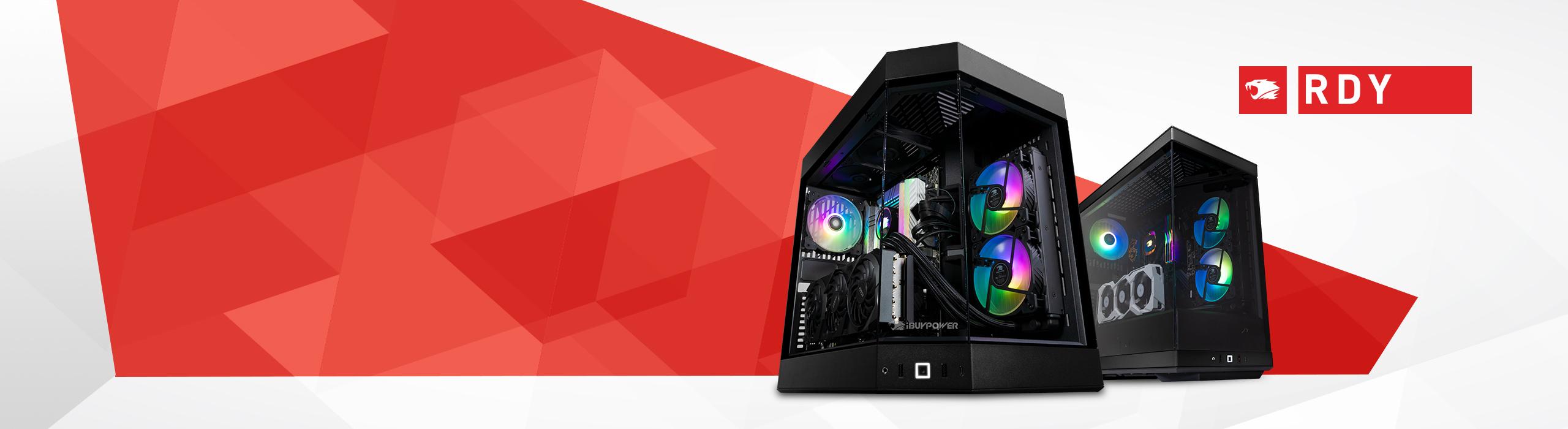
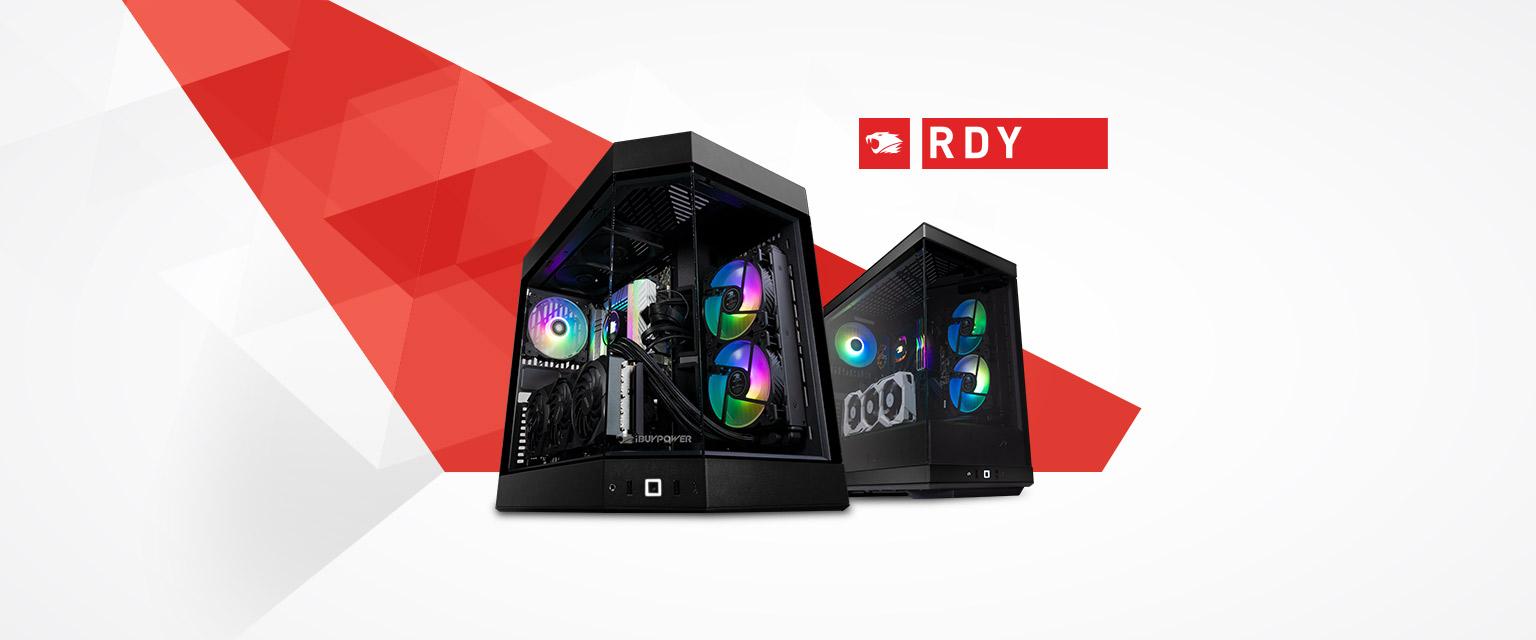







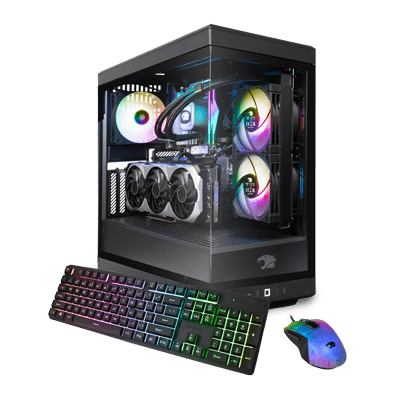
RDY Y40P 003
- Windows 11 Home
- Intel® Core™ i7-14700KF CPU
- GeForce RTX 4070 Ti SUPER - 16GB
- 2TB M.2 NVMe SSD
- 32GB DDR5-6000MHz RGB RAM
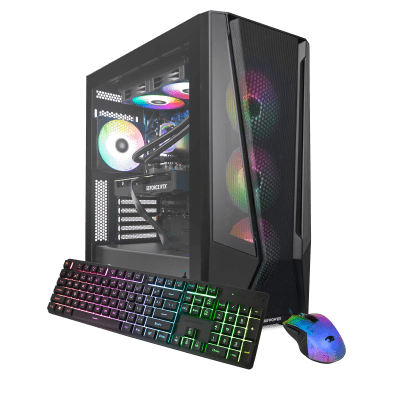
RDY Trace 7MP 001
- Windows 11 Home
- AMD Ryzen 7 7700X CPU
- GeForce RTX 4070 - 12GB
- 1TB M.2 NVMe SSD
- 32GB DDR5-5600MHz RGB RAM
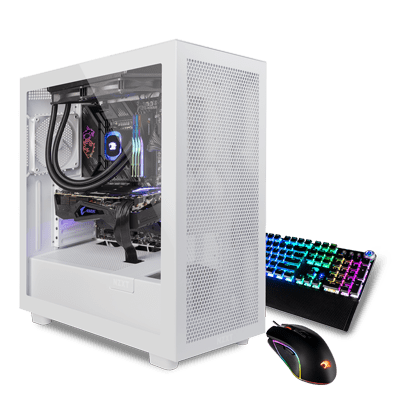
Intel Core 14th Gen Ultimate Gaming Daily Deal
- Windows 11 Home
- Intel® Core™ i9-14900KF CPU
- GeForce RTX 4080 - 16GB
- 2TB WD M.2 NVMe SSD
- 32GB DDR5-6000MHz RAM
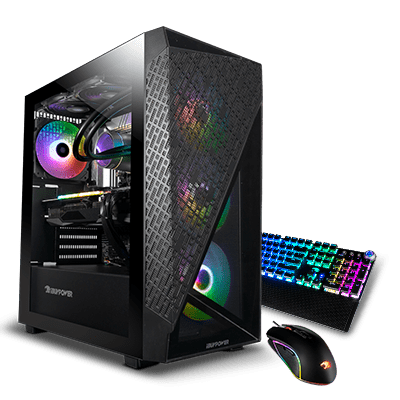
AMD Gaming PC Configurator 2 Daily Deal
- Windows 11 Home
- AMD Ryzen™ 5 7600 CPU
- GeForce RTX 4060 Ti - 8GB
- 1TB WD M.2 NVMe SSD
- 16GB DDR5-5200MHz RAM
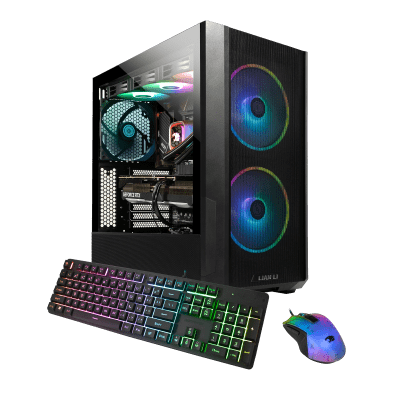
RDY Lancool 005
- Windows 11 Home
- Intel® Core™ i9-14900KF CPU
- GeForce RTX 4080 SUPER - 16GB
- 2TB M.2 NVMe Gen4 SSD
- 32GB DDR5-6000MHz RGB RAM
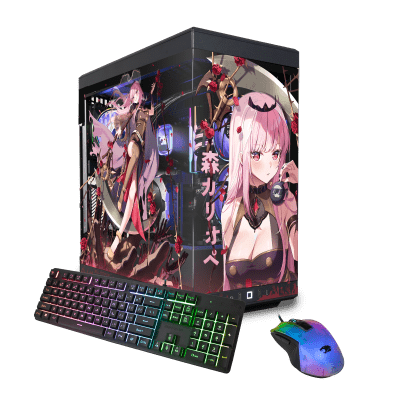
RDY Y40 Mori Calliope
- Windows 11 Home
- AMD Ryzen™ 9 7900X CPU
- GeForce RTX 4070 SUPER - 12GB
- 2TB M.2 NVMe Gen4 SSD
- 32GB DDR5-5600MHz ADATA RGB RAM
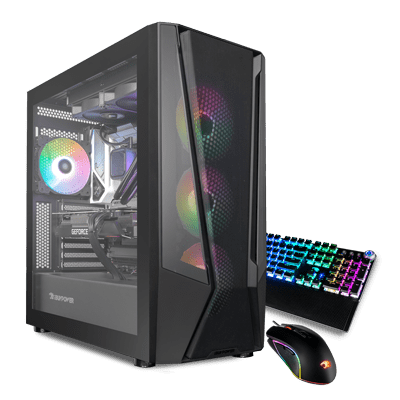
Intel 14th Gen Pro Gaming PC Daily Deal
- Windows 11 Home
- Intel® Core™ i5-14600KF CPU
- GeForce RTX 4060 Ti - 8GB
- 2TB WD M.2 NVMe SSD
- 32GB DDR5-6000MHz RAM
AMD Ryzen Power Up Plus Daily Deal
- Windows 11 Home
- AMD Ryzen™ 5 7600 CPU
- GeForce RTX 4060 - 8GB
- 1TB WD M.2 NVMe SSD
- 16GB DDR5-5200MHz RAM
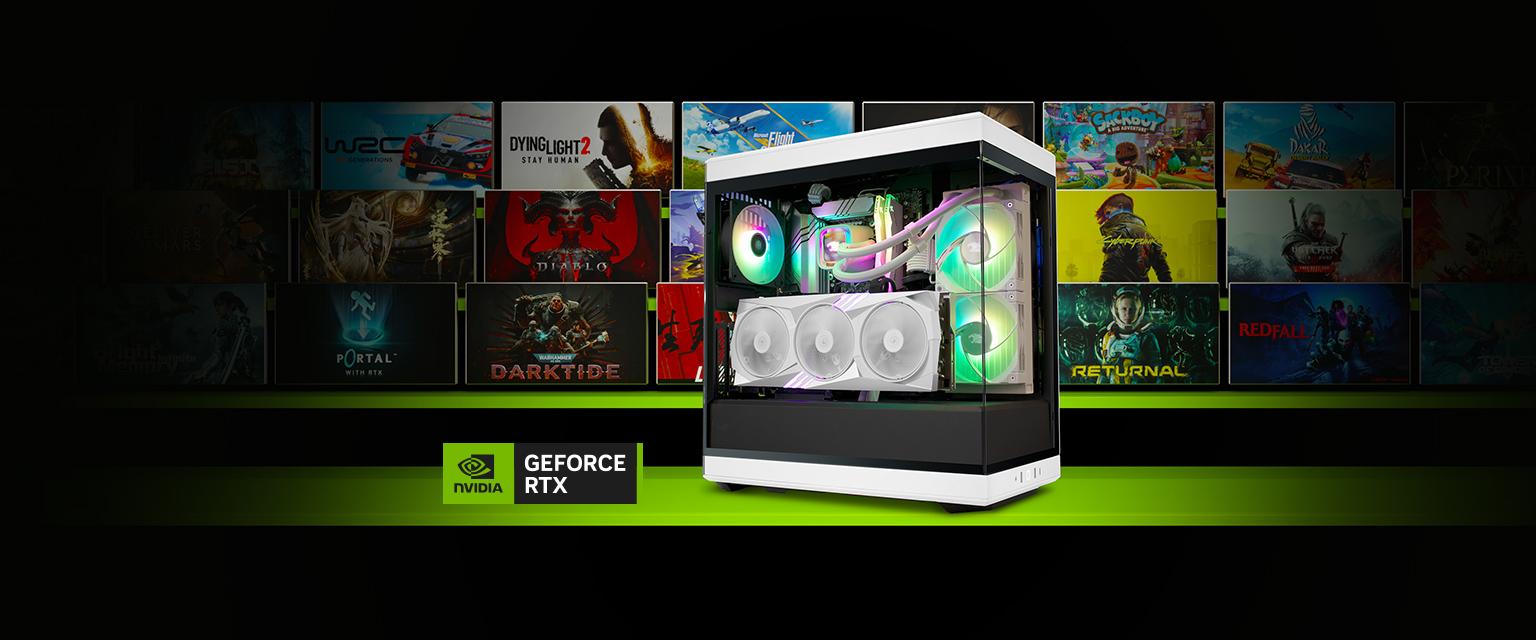
Prebuilt Gaming PC
Start your gaming journey with professionally designed RDY prebuilt systems and get Free 2-Day Shipping!
Shop Now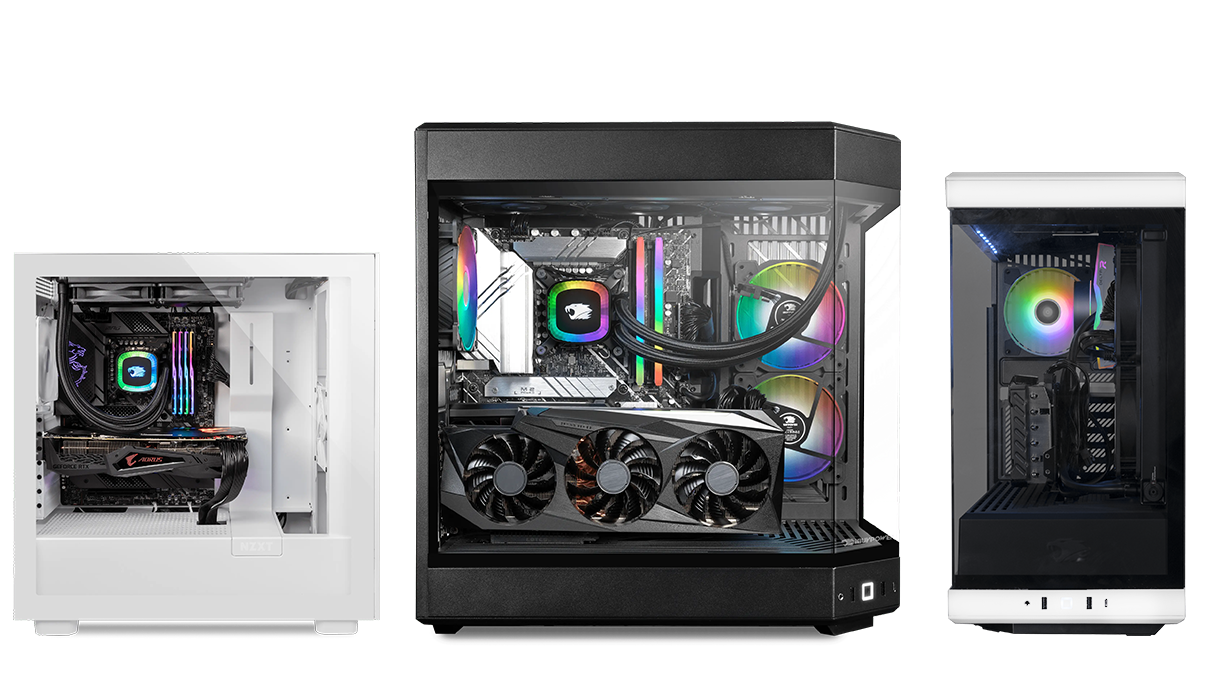
Easy Builder
Custom build the perfect gaming PC based on the games you play and we will ship it out in 5 business days!
Customize Now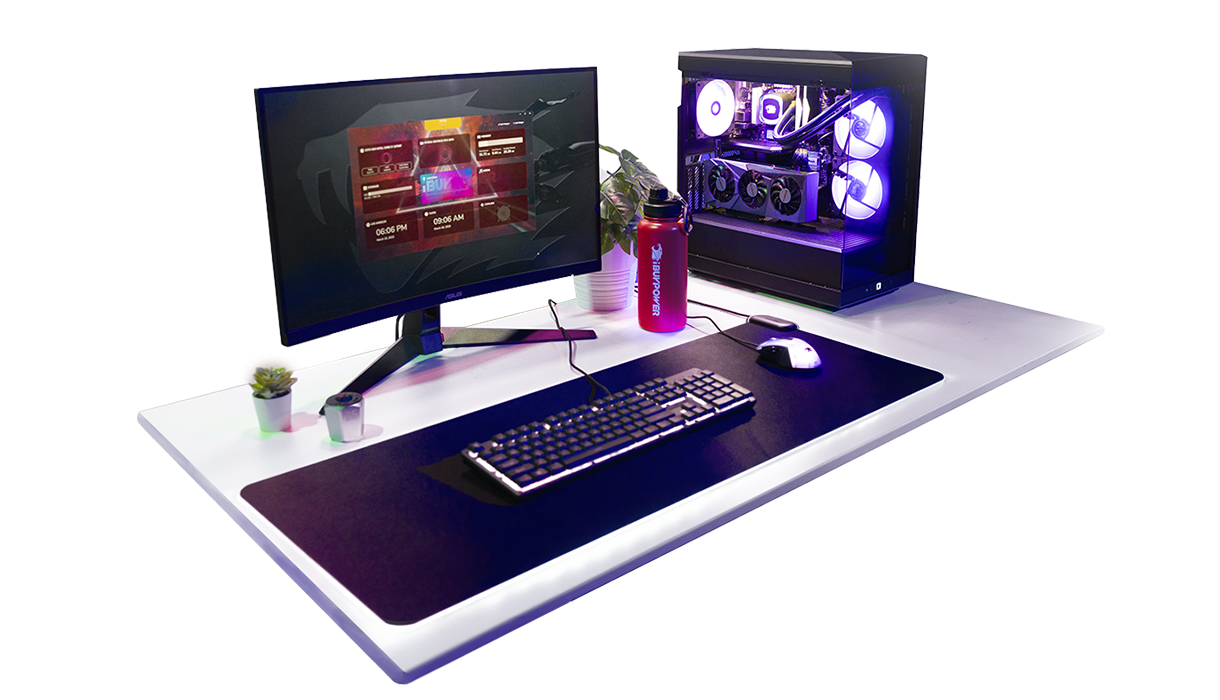
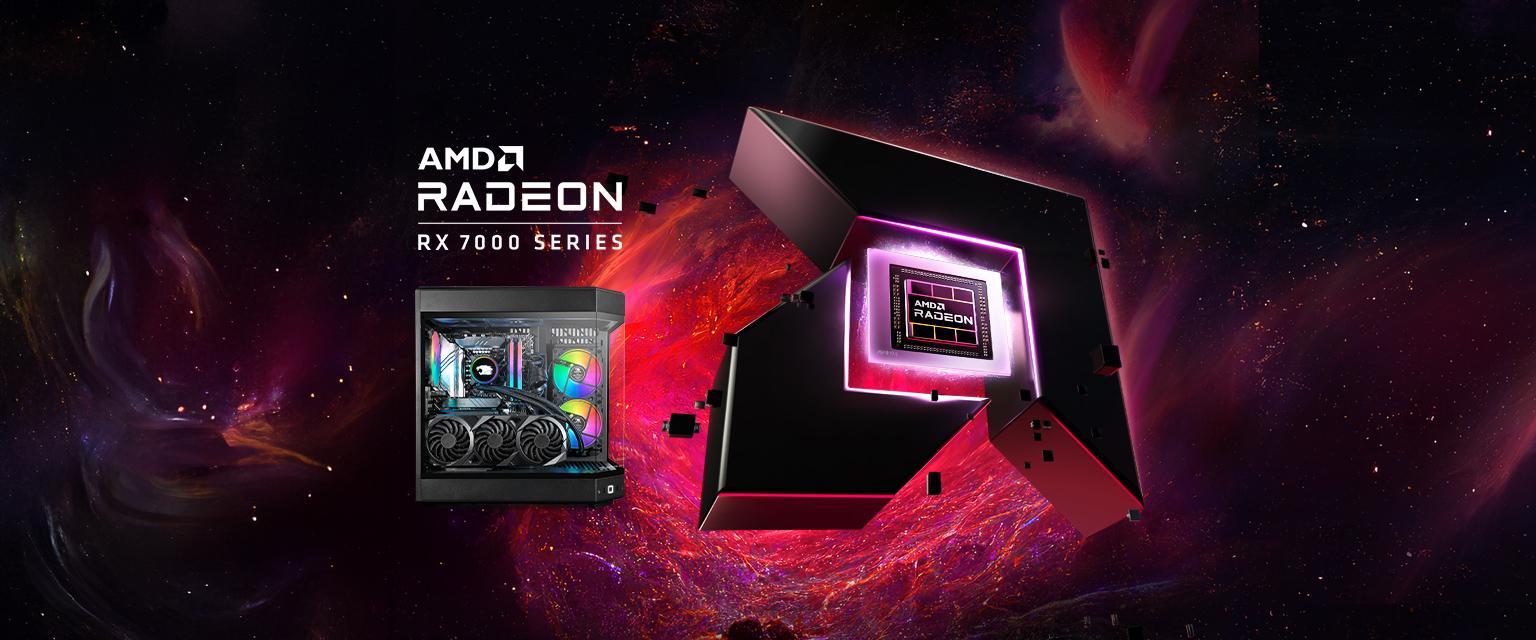
Custom Gaming PCs
Custom built to order. Our PC builder lets you choose the components you need to outclass your adversaries.
Customize Now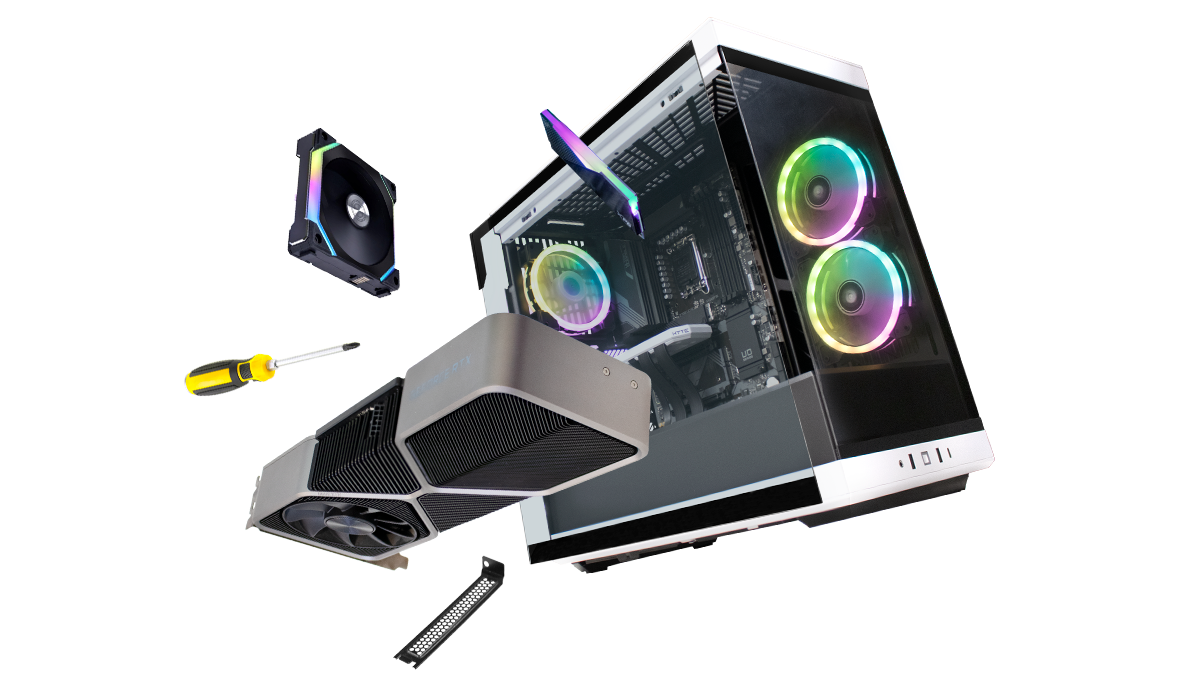
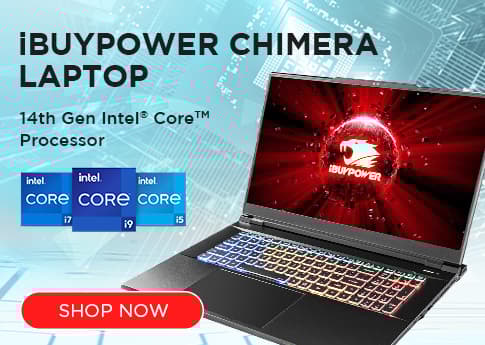
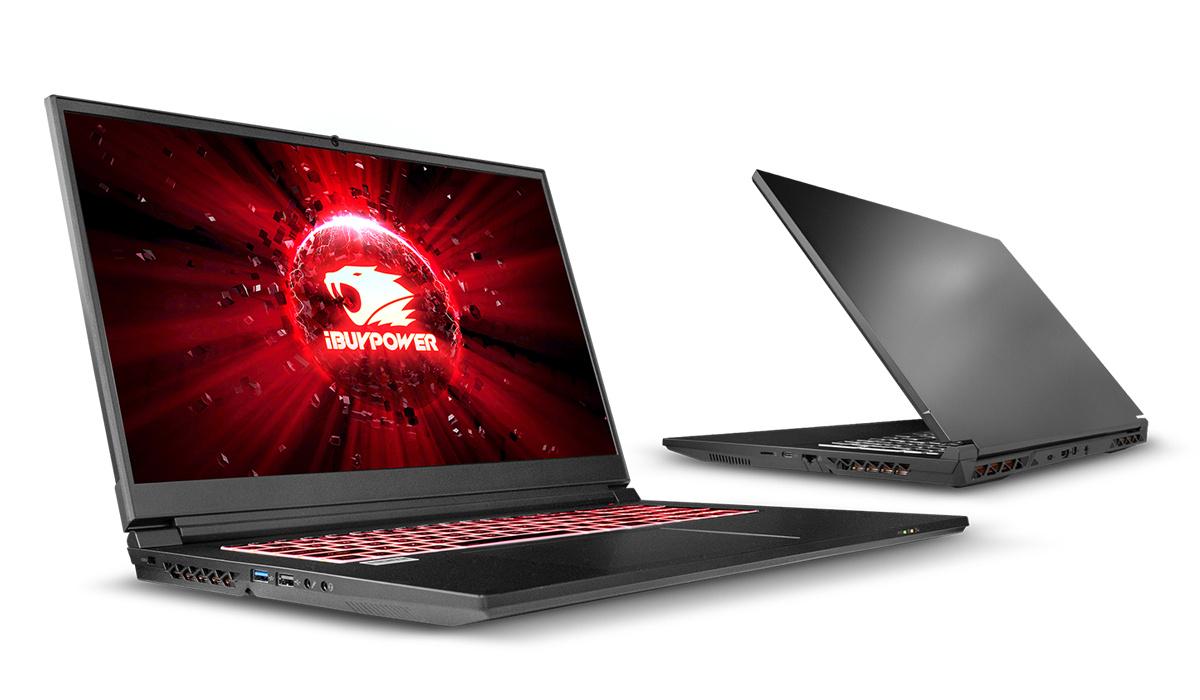
Gaming Laptops
Browse through our full range of configured gaming laptops. Immerse yourself in the ultimate gaming experience on the go.
Gear Store
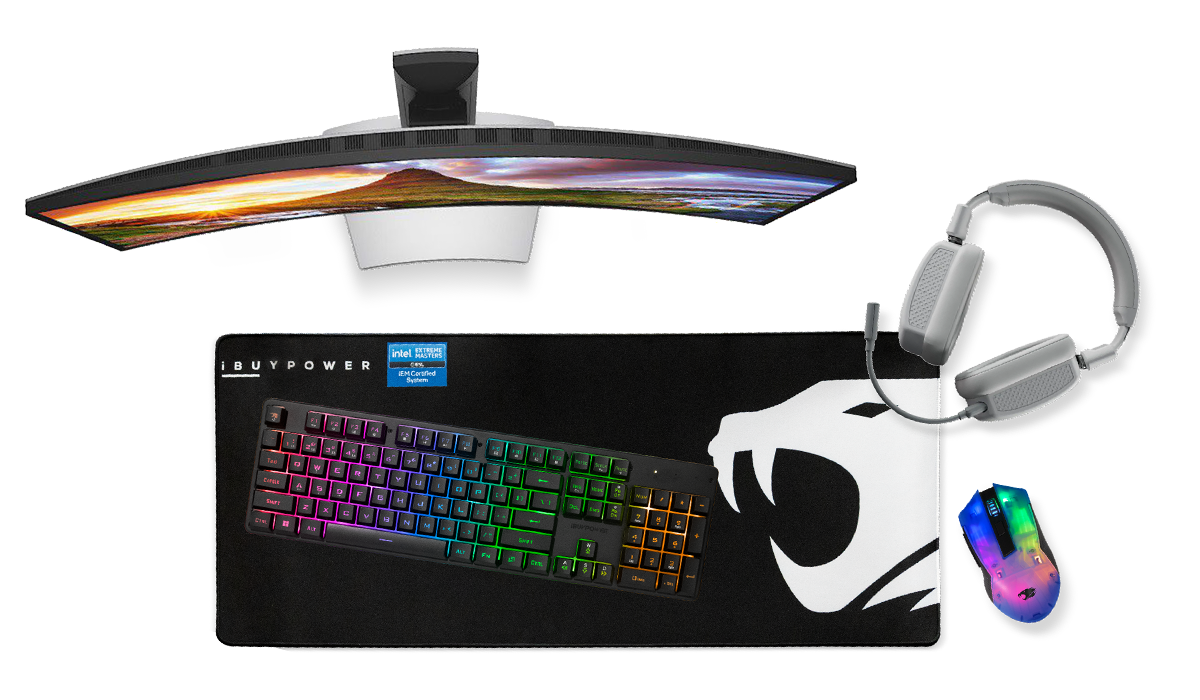
Gear up and be game ready with your favorite PC accessories, peripherals, iBUYPOWER apparel and more!
Why iBUYPOWER
So what sets us apart from our competitors? Aside from providing the best bang for your buck in today’s rollercoaster prices of PC components, iBUYPOWER prides themselves in delivering the best gaming experience from new gamers to seasoned pros. We utilize the latest and greatest components and technology from companies such as Intel, AMD, NVIDIA, Microsoft, ASUS, MSI, Western Digital, Samsung, and more! Continue scrolling to learn more...
What we are offering

Ask away. Our customer experience team is here to help.

Register now to start earning iBP points.

Free Shipping
All iBUYPOWER gaming PCs come with free shipping!

Assembled in the USA
Every iBUYPOWER gaming pc and laptop that goes through our assembly line is professionally assembled by hand in the USA.

Standard 3 Year Warranty
iBUYPOWER desktops comes with a standard 3-year labor, 1-year parts warranty supported by our in-house technicians.
What they're saying